GeneralNovember 4, 2026
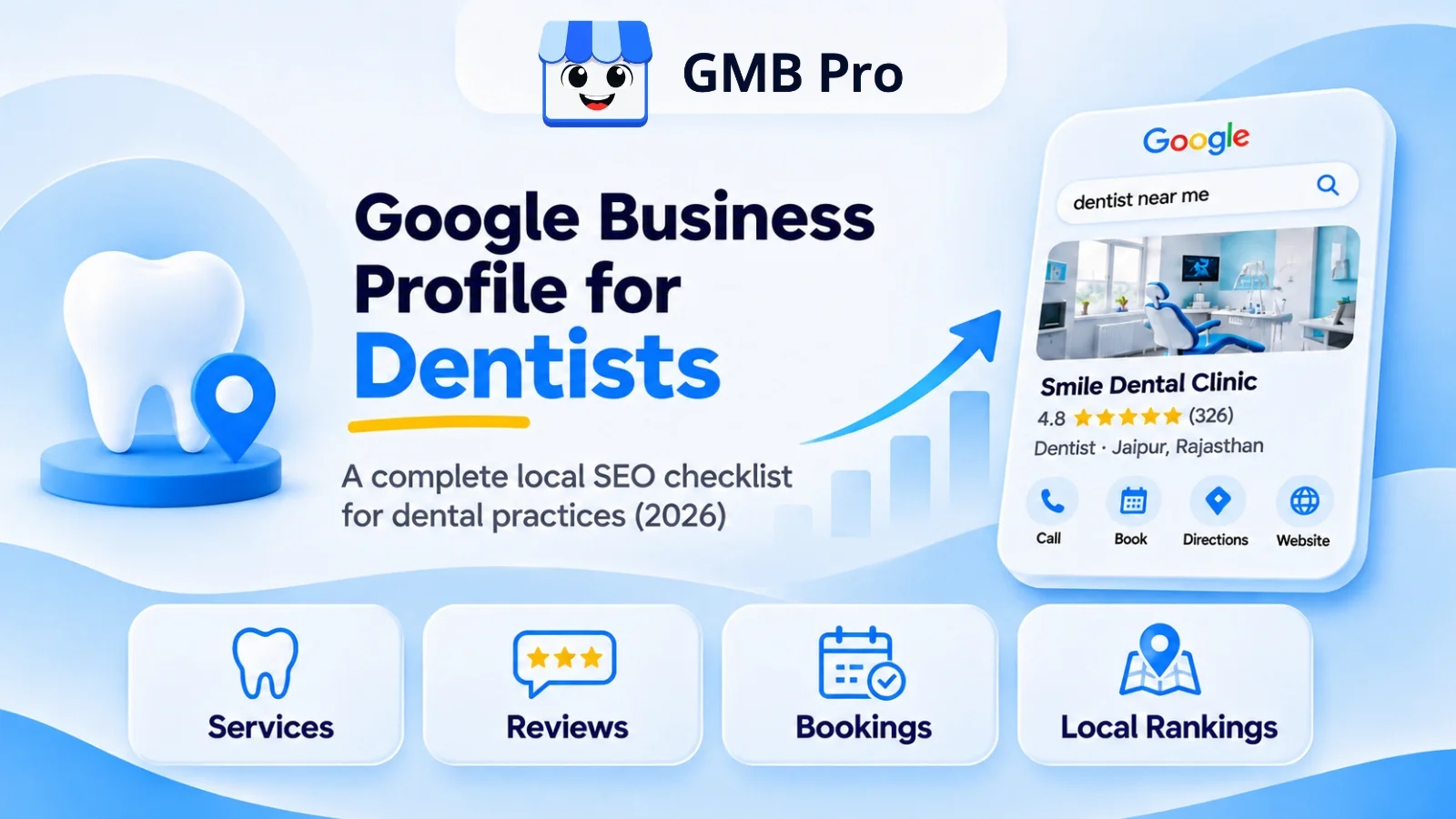
Google Business Profile for Dentists : Local SEO Checklist
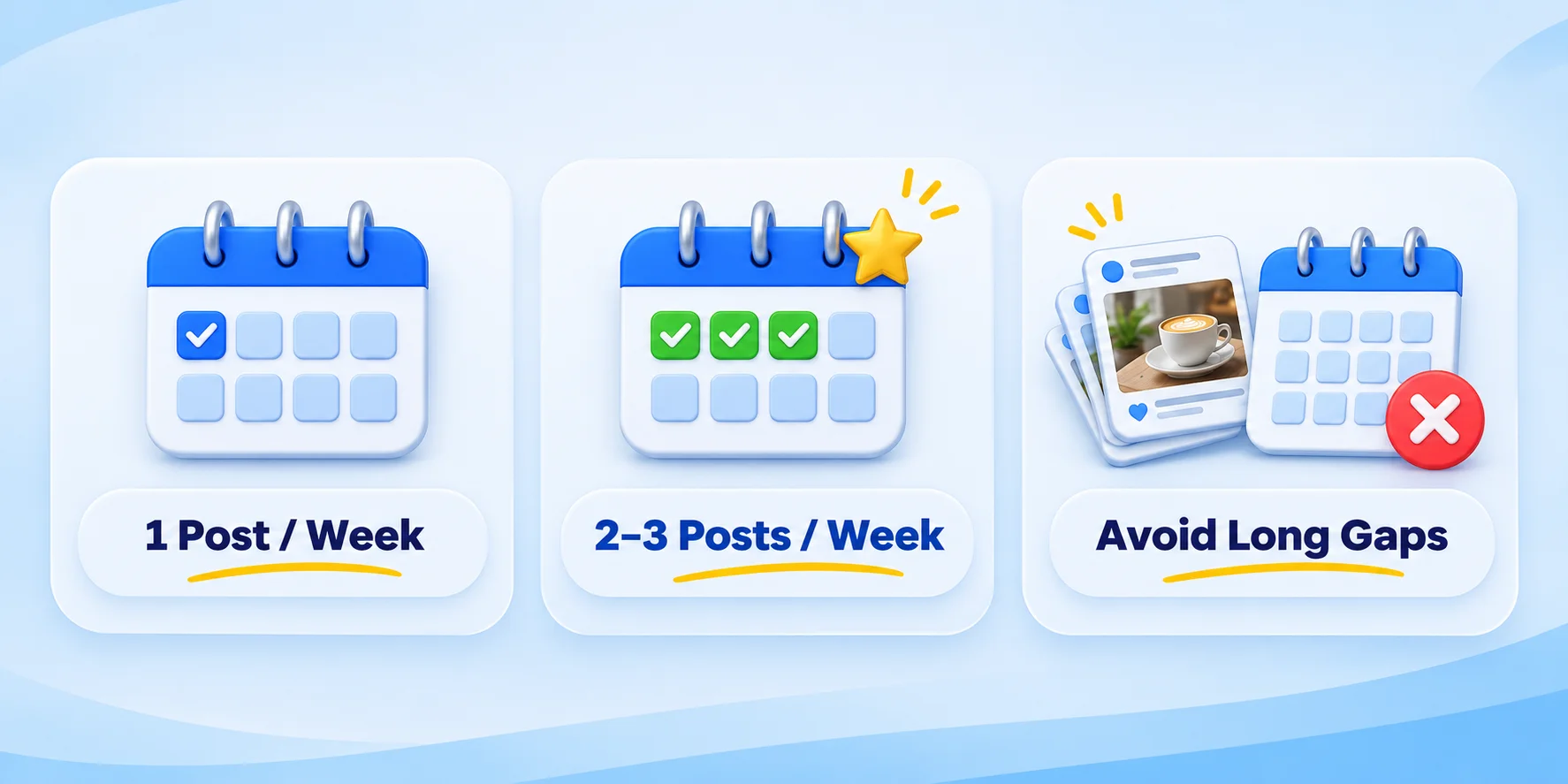
Patients rarely browse a full page of dentist websites before choosing one. Most check the top results in the local map pack, look at the rating, read a few reviews, and call or book from the profile. That decision often happens before anyone visits your website.Dental local SEO needs extra care because it deals with health decisions. Google quality systems and search raters treat health topics as sensitive because poor information can affect a person’s health, safety, or well-being. That means a half-finished profile can hurt trust with both patients and search systems.This checklist is built for dental practices. It covers the parts of your profile patients actually look at, and the signals that help Google understand your practice: categories, services, reviews, photos, posts, citations, website pages, and AI search readiness.Quick AnswerTo optimize a Google Business Profile for a dental practice, choose the most accurate dental category, list every treatment as a clear service, keep your name, address, and phone number consistent, collect new reviews regularly, respond without sharing patient details, add real office photos, post useful updates, and connect the profile to strong treatment pages on your website.Key TakeawaysYour primary category plays a major role in how Google understands your business. Choose the closest real match to your practice.Do not add extra keywords to the practice name. Use the real-world name used on signage, website, and official documents.Services should be written in patient-friendly language, not clinical jargon.In 2026, Q&A is no longer part of the standard profile management workflow because Google discontinued the My Business Q&A API.Put important questions in your website FAQs and keep profile fields complete.Google Business Profile chat and call history are no longer available. Use calls, booking links, and your website contact flow instead.Reviews matter, but dental practices must reply carefully. Never confirm treatment, appointment details, or patient identity in a public response.Posts older than 6 months are archived unless they have a date range, so posting regularly still helps keep the profile fresh.Why Dental GBP Optimization Is Different From Other BusinessesA dental practice is not the same as a coffee shop or a clothing store. Patients are making a health decision, so trust matters more. If you need the basics first, read What Is a Google Business Profile? before using this checklist.Trust and expertise matter. Credentials, licensing details, doctor bios, and years of experience can help patients feel safe before they call.Review replies need privacy care. A dental practice should never confirm that a reviewer is or was a patient.Search intent is split. Someone searching for emergency dental care needs fast help. Someone searching for Invisalign or implants may compare several practices before booking.Cost, insurance, and appointment questions are common. The profile and website should make these answers easy to find.1. Business Information and NAP AccuracyStart with the basics. A clean profile foundation helps Google match the right practice to the right local search. For a wider profile review process, use the Google Business Profile audit checklist as a monthly or quarterly check.Practice name: use your exact legal or DBA name. Do not add phrases like best dentist near me or emergency dentist in the name field.Address: match your website, map pin, insurance directories, and citation listings. Include suite numbers if they are part of your address.Phone number: use a permanent local number. If you use call tracking, make sure the same number is used consistently where needed.Hours: keep regular hours, emergency hours, holiday hours, and temporary closures current.Appointment link: connect a supported booking provider or add a direct appointment page where available.Website link: send users to the most useful page. For a single-location business, the homepage may be the most suitable page to use. For multiple locations, use the specific location page.2. Category Selection for Dental PracticesYour category helps Google understand how relevant your business is to a customer’s search . Google asks businesses to choose a specific category that represents the main business. Our Google Business Profile ranking factors guide explains how category, distance, and prominence work together.Common primary category choicesDentist: best for a general family dental practice.Cosmetic Dentist: best when cosmetic work is the main focus, not just one service among many.Orthodontist: use this only when the practice is led by a licensed orthodontist.Pediatric Dentist: best for a practice focused mainly on children.Emergency Dental Service: use it only if you genuinely offer emergency appointments.Dental Implants Provider, Denture Care Center, and Teeth Whitening Service: useful secondary categories when those services are real and important to the practice.Match the primary category to what most patients actually visit you for. Do not choose categories only because competitors use them. When your website and Google Business Profile show different information, it can create confusion and reduce customer confidence.3. List Every Treatment as a ServiceThe Services section is a simple way to help Google better understand what your business offers. Google lets businesses add services, edit service details, add prices, and create custom services. For a full field-by-field setup process, use our Google Business Profile optimization guide.Services to list, in patient-friendly languageTeeth cleaning and checkupsFillings and cavity treatmentRoot canal treatmentDental crowns and bridgesTooth extraction and wisdom tooth removalDental implantsDentures and partialsInvisalign and clear alignersTeeth whiteningVeneersEmergency dental carePediatric dental care, if applicableSedation dentistry, if offeredWrite a short, unique description for each service. Keep it simple. A patient should understand the service without needing dental knowledge. For example, same-day dental crowns using digital scanning is clearer than advanced crown restoration solutions.4. Write a Description That Builds TrustYour business description should quickly answer three questions: what you do, who you serve, and why patients can trust you.Weak DescriptionBetter DescriptionWe are the best dental clinic. We offer dental services at affordable prices. Call us today.A family dental practice serving patients in Bengaluru with general dentistry, root canal treatment, dental implants, and emergency dental care. Our team focuses on clear explanations, clean treatment rooms, and easy appointment booking.Avoid repeated keywords, phone numbers, links, coupon text, or claims you cannot support. Keep the tone clear and helpful.5. Attributes That Matter for Dental PatientsAccepts new patients, if available in your dashboard.Wheelchair accessible entrance and restroom, if accurate.Online appointment booking, if connected.Languages spoken by staff.On-site parking, if available.Women-led, veteran-led, or LGBTQ+ friendly, only if true and relevant to your practice.Fill only the attributes that genuinely apply. These small details help patients decide faster and can support filtered searches.6. Photos and Videos That Help Patients Feel More Comfortable Many dental patients feel a little anxious before their appointment. Real photos can reduce that hesitation before they call or book. Google recommends photos that are JPG or PNG, well lit, in focus, and at least 720 by 720 pixels for best results.Exterior and signage, so patients can find the clinic easily.Reception and waiting area, so patients know what to expect.Treatment rooms and equipment, especially if you use digital X-rays or other modern tools.Dentists, hygienists, and staff photos, with names where appropriate.Before-and-after cosmetic photos only with clear written patient consent.Short videos that explain what a first visit looks like or introduce the practice.Update photos at least quarterly. If your clinic has changed interiors, branding, staff, or equipment, refresh the profile sooner.7. Reviews, Responses, and Patient PrivacyReviews play a big role in helping new patients feel confident about choosing a dental practice . Ask happy patients for a review, but never offer a discount, gift, or benefit in exchange. You can make it easier for patients to leave feedback by sharing a direct review link from the Google review poster tool.Generating reviews the right wayThe best time to ask for a review is after a good visit, when the patient is happy with their experience. Send the review link the same day by SMS, WhatsApp, or email where appropriate.Give patients the choice to leave a review without making them feel pressured while they are still in the clinic Do not ask for only positive reviews. Ask for honest feedback.Responding without sharing patient detailsKeep review replies general and avoid confirming whether the person is a patient . Do not mention treatment, diagnosis, appointment date, payment details, or insurance details in a public reply.Review TypeSafe Response ApproachPositive reviewThank the person for the kind words. Keep it warm and general. Avoid referring to any treatment, procedure, or personal details in your reply .Negative reviewAcknowledge the concern, say you would like to understand what happened, and ask them to contact the clinic directly.Unclear or fake-looking reviewStay professional. Let them know that private details cannot be discussed publicly, and invite them to contact the clinic so the team can look into the concern. 8. Answer Patient Questions the 2026 WayMany older dental SEO checklists still recommend using the Google Q&A section.That advice is no longer reliable in 2026. Google discontinued the My Business Q&A API on November 3, 2025, and businesses should not build a workflow around that feature.Move the important questions to your website FAQs, service pages, and profile fields. This also helps AI search tools find clear answers.Do you accept my insurance?Do you offer payment plans or financing?Do you take same-day emergency appointments?Do you treat children?Is the clinic wheelchair accessible?What usually happens during a root canal treatment? How long does Invisalign or clear aligner treatment usually take? 9. A Practical Google Posts Schedule for Your Dental Practice Weekly posting is enough for most practices. It keeps the profile fresh without adding too much work. If you need a larger posting and review routine, use our Google Business Profile management guide.WeekPost TypeExampleWeek 1Service highlightSame-day crowns now available, if offered by your practice.Week 2Patient educationWhen is the right time to visit a dentist for tooth pain? Week 3Seasonal reminderBook a school dental checkup before the term starts.Week 4Team updateMeet the dentist or hygienist accepting new appointments this month.Each post should include a real photo, a short caption, and a clear button that points to the relevant page. Avoid sending every button to the homepage when a service or booking page is more useful.10. Dental-Specific Citations and DirectoriesCitations help Google confirm that your practice is real and consistent across the web. If you need help keeping listings aligned, review GMB Pro’s local citations feature after building your core profile foundation.MarketDirectories to ReviewIndiaPracto, Lybrate, Justdial, Sulekha, IndiaMART where relevant, local city directories, and insurance network directories.United StatesHealthgrades, Zocdoc, Vitals, WebMD Provider Directory, Yelp, local chamber directories, and insurance network directories.All marketsGoogle profile, website, Facebook, Instagram, map platforms, and any local healthcare directory patients use in your city.Keep the practice name, address, phone number, website URL, specialties, and insurance details consistent. Mismatched insurance information is a common reason patients do not call.11. Multi-Location and Multi-Dentist PracticesMulti-location practices should create one verified profile for each real physical location. Each profile should have its own photos, hours, phone number if needed, and location page.Use one profile per actual clinic location.Do not create duplicate profiles for the same practice just to rank more times.Individual dentists may qualify for their own profile only when they are public-facing practitioners and can be contacted directly, as allowed by Google’s practitioner guidance.Link each location profile to its own location page, not only the main homepage.12. Website Pages That Support Your ProfileYour Google profile and website should support each other. A treatment listed on the profile should also have useful content on the website. You can also generate matching structured data with the Local Business schema tool.Treatment pages for services such as dental implants, root canal treatment, emergency dentistry, teeth whitening, and clear aligners.Insurance and payment page, if your practice accepts insurance or financing.Doctor bio pages with education, credentials, registration or license details, and years of experience.Location pages for every branch, with matching address, hours, phone number, and map details.FAQ sections that answer real patient questions in simple language.13. Getting Found in AI Search as a DentistAI search tools rely on clear and consistent public information. BrightLocal’s 2026 research found that the number of consumers using AI tools to find local business recommendations increased sharply from 2025 to 2026. That makes accurate profile data, strong reviews, and clear website pages more important.Use specific service descriptions, not generic claims.Keep facts consistent across your Google profile, website, and directories.Show doctor credentials clearly on your website.Answer common questions in the first sentence of your FAQs.Keep reviews, posts, and photos current so AI systems are not reading stale information.The Full Printable ChecklistPractice name matches legal or DBA name, with no added keywords.Address matches website and directories exactly.Phone number is permanent and consistent.Hours and holiday hours are accurate.Primary category matches the real focus of the practice.Secondary categories are added only for real services.Every treatment is listed under Services.Each service has a clear, patient-friendly description.Business description is specific and not keyword-stuffed.All relevant attributes are filled in accurately.Real clinic, team, and treatment room photos are uploaded.Photos are updated at least quarterly.Review requests are sent after positive visits without incentives.Every review is answered without sharing patient details.Website FAQs answer insurance, financing, emergency, and treatment questions.Weekly Google Posts are scheduled with real photos and useful CTAs.NAP is consistent across dental and local directories.Insurance and payment information matches across profile, website, and directories.Each major treatment has a supporting website page.Doctor bio pages include credentials and registration details.Local Business, Dentist, and FAQ schema are added where appropriate.Rankings and profile performance are reviewed monthly.How GMB Pro Helps Dental PracticesWorking through this checklist manually takes time, especially if you manage more than one location. A comparison of software options is available in our Google Business Profile management software guide.GMB Pro helps dental teams and agencies manage profile tasks from one dashboard.Track local rankings for important treatment keywords.Schedule AI-assisted Google Posts.Manage reviews and draft careful replies faster.Audit profile gaps and missing information.Monitor citation consistency and profile performance.Final ThoughtsA dental practice competing for local visibility is really competing on trust. Every checklist item here adds one more proof point: the right category, complete services, clear photos, careful review replies, accurate directories, and a website that backs up what the profile says.If you want to manage this without losing hours every week, GMB Pro helps with ranking tracking, review workflows, AI-assisted posts, profile audits, and reporting from one dashboard.Fact-check note: This version was updated for 2026 using Google Business Profile Help, Google Business Profile API documentation, Google Maps review policy, Google photo and post guidance, Google booking guidance, Google Search quality documentation, ADA review privacy guidance, and BrightLocal’s 2026 local review research.