
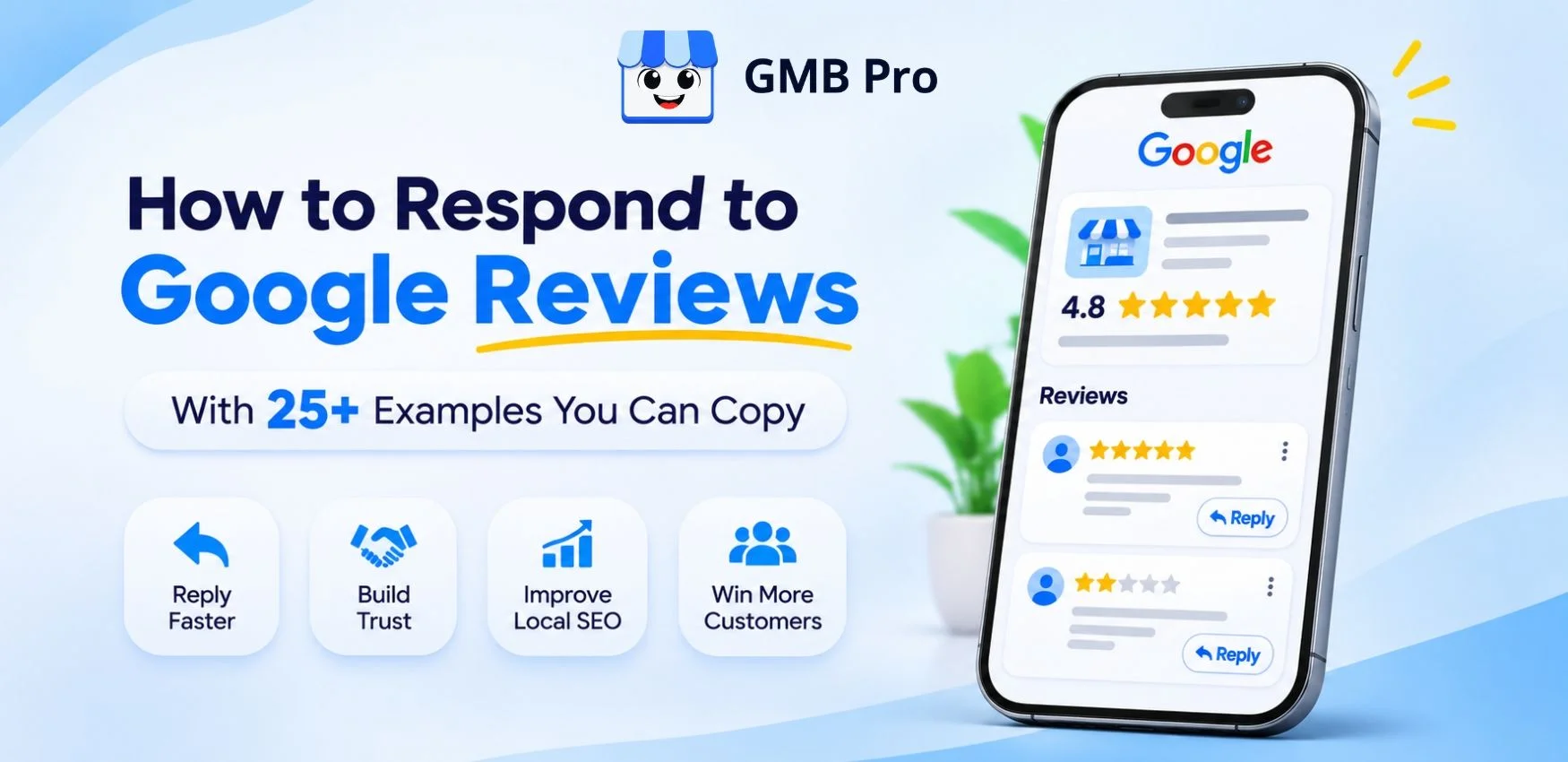
To respond to a Google review, open your Google Business Profile, go to the Reviews section, click Reply under the review, write a short, personal message that thanks the customer and addresses what they said, then click Post. Reply within 24 to 48 hours, use the customer's name, and never argue in public.
That is the quick answer. But the real skill is knowing what to write. A good reply can win back an angry customer. A bad reply can lose you ten new ones who read it.
In this guide, you will learn the exact steps, the rules that matter, and over 25 ready-to-use examples for every type of review, from happy 5-star praise to harsh 1-star complaints and even fake reviews.
Why Responding to Google Reviews Matters
Many business owners treat replies as optional. They are not. Here is why they matter:
- New customers read your replies. People often scan how a business handles criticism before they call or visit.
- It builds trust. A reply shows a real person is behind the business and that you care.
- It supports your local SEO. Google says engaging with reviews shows you value customers, and active profiles tend to perform better. Replies also give you a natural place to mention your services and location. See our full list of Google Business Profile ranking factors to understand how reviews fit in.
- It can fix problems. An unhappy customer who gets a fast, kind reply may update their review or return later.
- It encourages more reviews. When customers see that you reply, they feel their opinion counts.
How to Respond to a Google Review: Step by Step
Option 1: On desktop (Google Search or Maps)
1. Sign in to the Google account that manages your business.
2. Search for your business name, or search "my business" on Google.
3. Click Read reviews.
4. Find the review and click Reply.
5. Write your response and click Post reply.
Option 2: On mobile (Google Maps app)
1. Open Google Maps and tap your profile picture.
2. Tap Your Business Profile.
3. Tap Reviews, then choose the review.
4. Tap Reply, write your message, and tap Post.
Option 3: Use a tool when you have many locations or reviews
If you manage several profiles or get lots of reviews, replying one by one wastes time. A tool like GMB Pro review management lets you see all reviews in one inbox, reply faster, and keep your tone consistent across your team.
Tip: You can edit or delete your reply at any time. Google also notifies the reviewer by email when you reply, so make it count.
10 Golden Rules for Replying to Google Reviews
1. Reply fast. Aim for 24 to 48 hours. Faster is better for negative reviews.
2. Use the reviewer's name. It feels personal and human.
3. Say thank you. Every time, even for criticism.
4. Mention something specific. Refer to what they said so it does not feel copy-pasted.
5. Keep it short. Two to five sentences is enough.
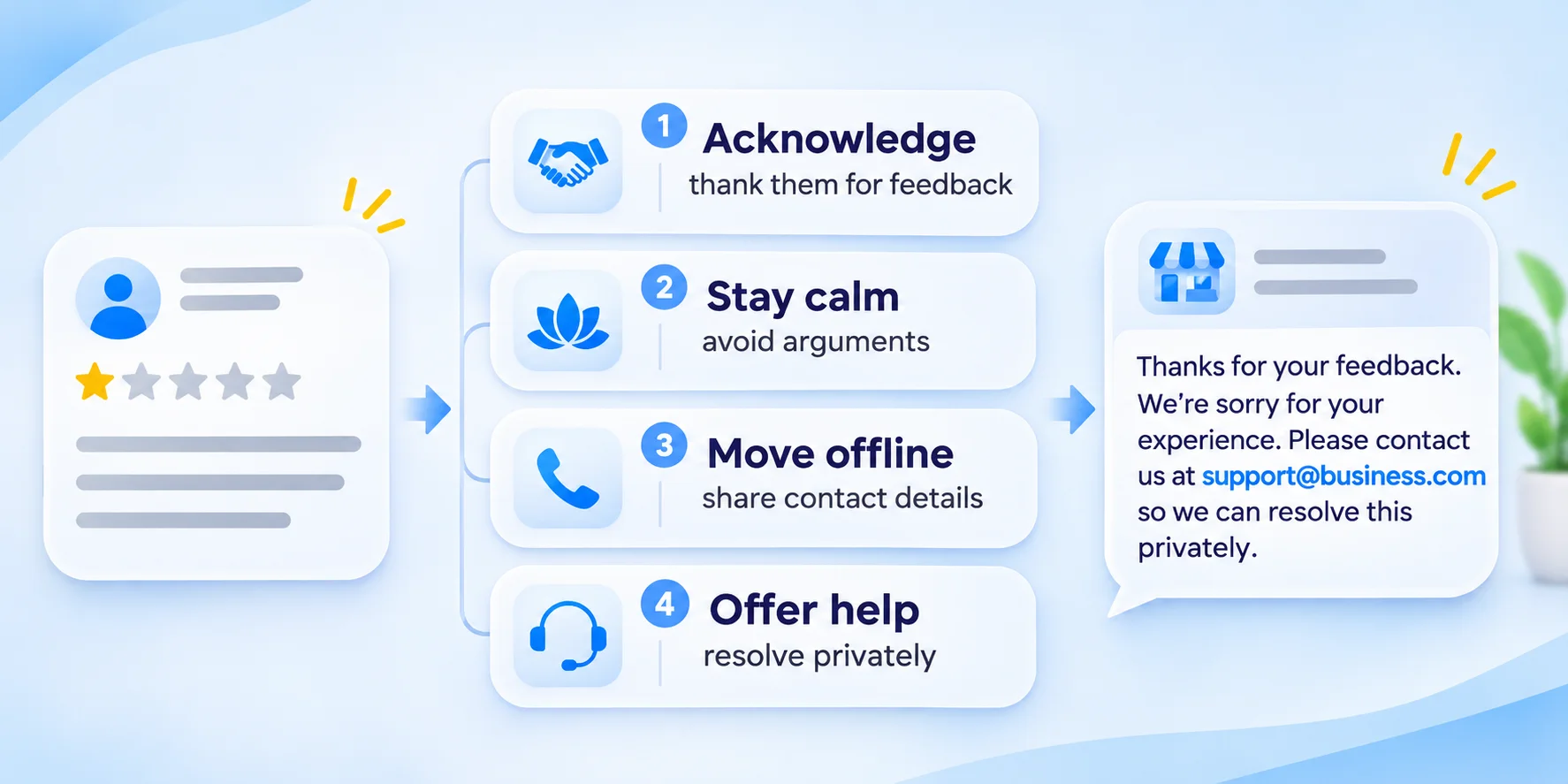
6. Stay calm and polite. Never argue, blame, or get defensive.
7. Take the conversation offline for problems. Share a phone number or email so you can fix it privately.
8. Never share private details. Do not reveal names, health info, order details, or anything sensitive.
9. Use keywords naturally. Mention your service or city once if it fits. Do not stuff keywords.
10. Sign off with a real name. Use the owner or manager's name.
A Simple Formula for Any Review Reply
When you are stuck, use this four-part formula:
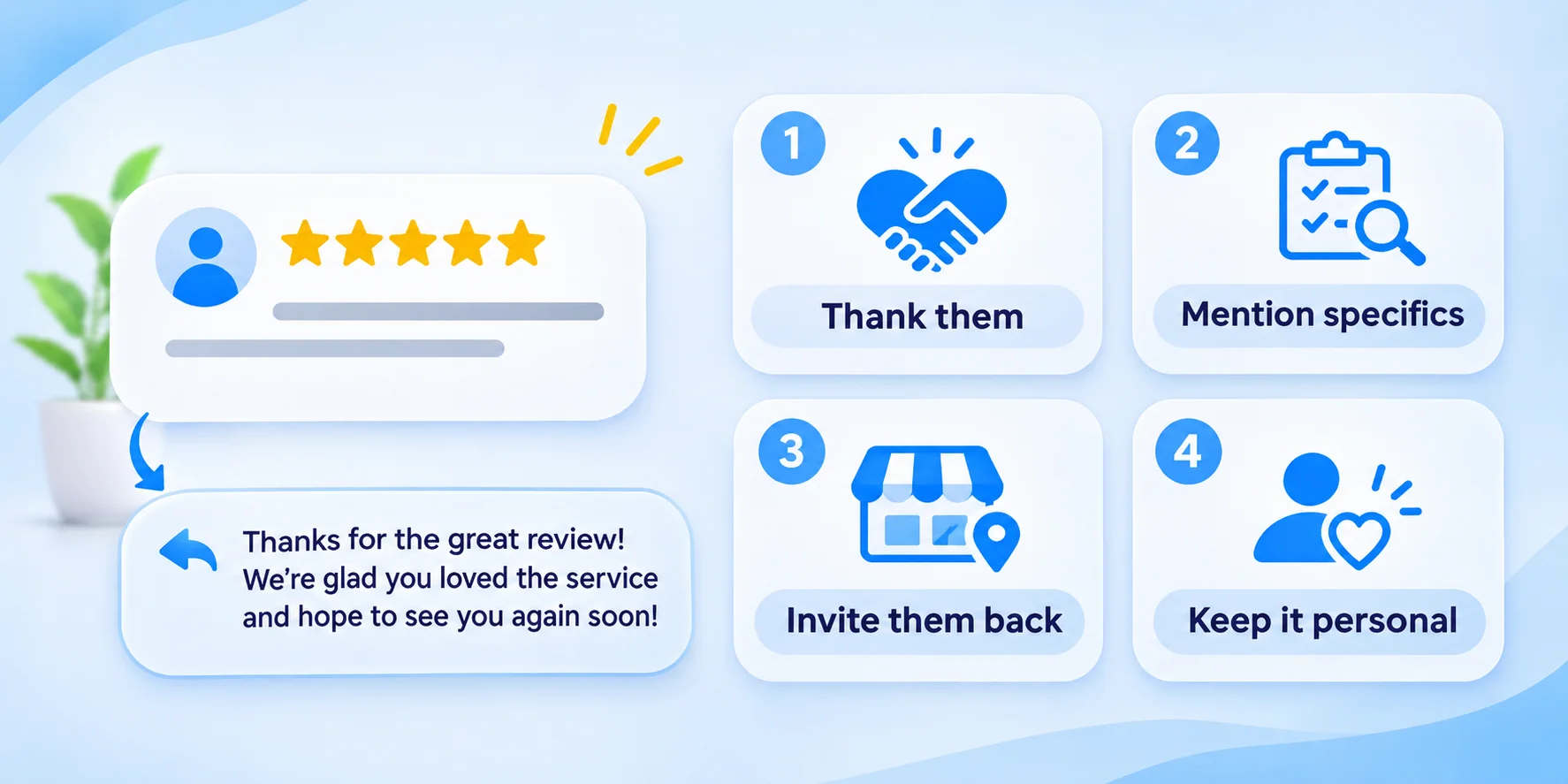
1. Thank the customer by name.
2. Acknowledge their experience with a specific detail.
3. Act: celebrate it, apologize, or offer a fix.
4. Invite them back or to contact you.
Examples: How to Reply to Positive Google Reviews
Response to a 5-star review with text
Hi Sarah, thank you so much for the kind words! We are thrilled you loved your new haircut and that Priya made you feel comfortable. We cannot wait to see you again soon. - Maya, Owner
Response to a 5-star review with no text
Thank you for the 5 stars, James! Thank you for your support! We look forward to seeing you again soon.
Response to a review that praises a team member
Thank you, Daniel! We will share your kind words with Carlos right away. He will be so happy to hear it. Thank you for trusting us with your AC repair.
Response to a repeat customer
Thank you, Anita! It means a lot to have you with us for the third year in a row. Customers like you make our work worth it. See you next time!
Response to a review that mentions a specific product or service
Hi Rohan, so glad the butter chicken lived up to the hype! It is one of our most loved dishes. Thank you for dining with us, and please come back to try our weekend special.
Response to a 4-star review
Thank you, Emily, for the great feedback! We are happy you enjoyed your visit. We would love to earn that fifth star next time, so please tell us if there is anything we can do better. We hope to see you again soon.
Examples: How to Respond to Neutral Google Reviews (3 Stars)
Mixed feedback
Hi Mark, thank you for being honest. We are glad you liked the food, and we are sorry the wait was longer than expected. We are working on speeding up our service during busy hours. We would love another chance to give you a better experience. Please email us at hello@yourbusiness.com if you would like to share more.
Rating with no explanation
Hi Lisa, we’re glad you shared your rating with us.Thank you! We would love to know how we could have made your visit better. Please contact us at 555-0123 so we can learn from your feedback.
Examples: How to Reply to Negative Google Reviews
This is where most owners panic. Remember: your reply is written for the next customer reading it, not just the angry one. Stay kind and solution-focused. If you want a deeper look at handling bad feedback, read our guide on how to delete or remove a Google review to know what is and is not possible.
Response to a 1-star review about poor service
Hi Tom, we are very sorry about your experience. This is not the standard we hold ourselves to. We’d like to know what went wrong so we can fix it. Please call me directly at 555-0123 or email manager@yourbusiness.com. - Ravi, Manager
Response to a complaint about long wait times
Hi Nina, thank you for letting us know, and we apologize for the long wait. We were short-staffed that evening, and that is no excuse. We have since adjusted our schedule to prevent this. We hope you will give us another try.
Response to a complaint about price
Hi Alex, thank you for your feedback. We understand that price matters. We use premium materials and certified technicians, which is reflected in our pricing. We would be happy to walk you through the quote if you would like to talk. Please reach us at 555-0123.
Response to a complaint about a rude employee
Hi Karen, we are sorry you were treated this way. Respect is a core value for us, and we are looking into this right away. Thank you for bringing it to our attention. Please email us at manager@yourbusiness.com so we can discuss this with you directly.
Response to a product or quality issue
Hi David, we are sorry the item did not meet your expectations. We would like to replace it or refund you. Please send your order number to orders@yourbusiness.com, and we’ll sort it out as soon as possible.
Response to an angry review with strong language
Hi Greg, we are truly sorry that your visit left you this upset. Your feedback matters to us, and we’d like to make things right.Please call us at 555-0123 so we can talk it through.
Examples: Tricky Review Situations
Response to a fake or spam review
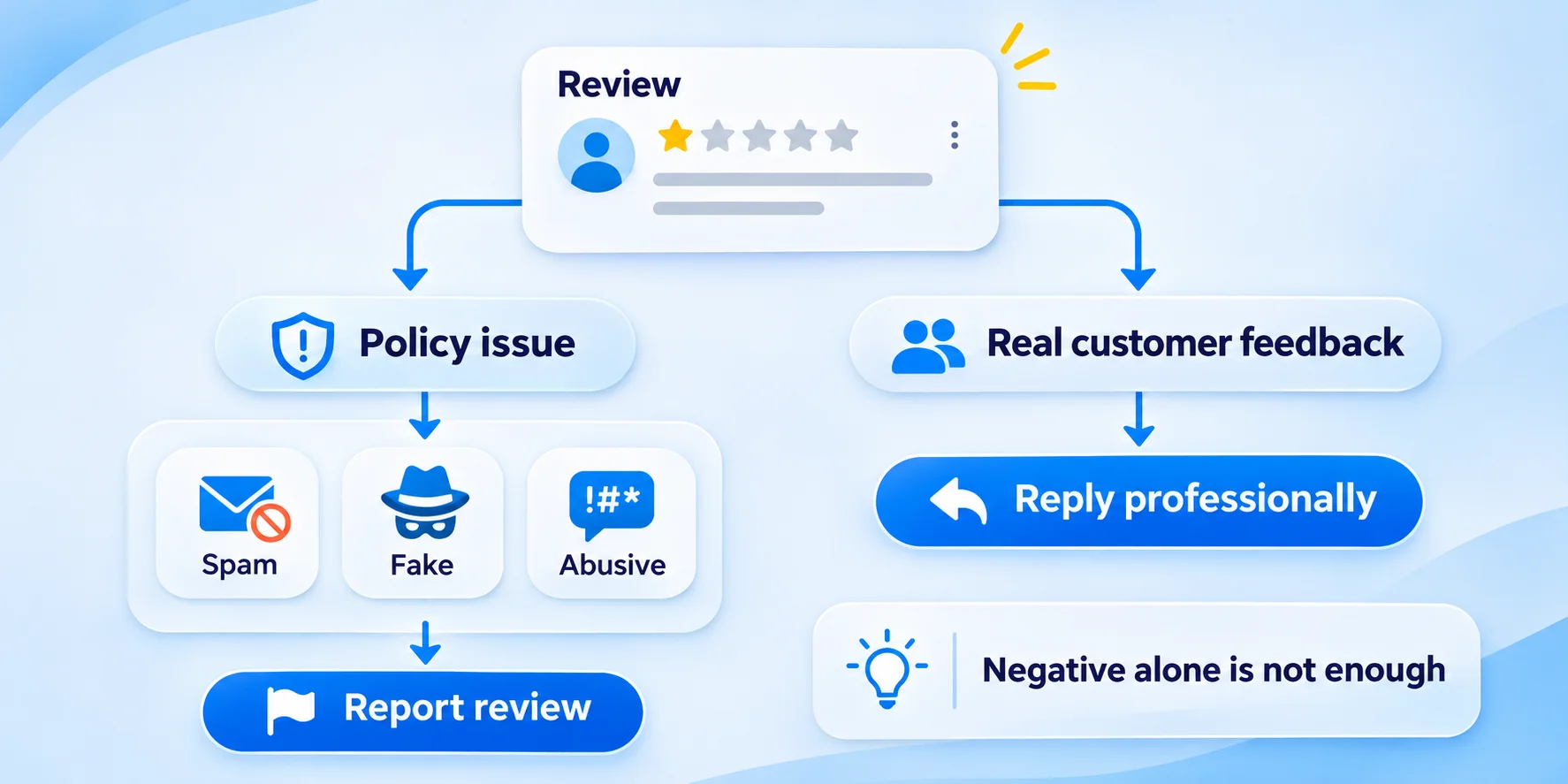
If you cannot find the person in your records, reply politely and then flag the review to Google.
Hello, we could not find any record of your visit or order. We value your feedback and would like to understand what happened. Please call us at 555-0123 so we can help.
Response to a review from a competitor
We value honest feedback. However, we do not have any record of this experience. If you can share more details by contacting us directly, we would be glad to look into it.
Response to a review that includes false claims
Hi Paul, thank you for sharing your thoughts. We want to clarify that our policy states [fact, stated calmly]. We are sorry for any confusion and would be happy to discuss this by phone.
Response to a review about something outside your control
Hi Jenny, we are sorry the delivery was late. Unfortunately, the delay was caused by weather conditions that day. We understand how frustrating this was and we would like to make it up to you. Please contact us at 555-0123.
Response to a customer who updates their review after you fixed the issue
Thank you, Omar, for giving us the chance to make things right and for updating your review. It truly means a lot to our team. We are always here if you need anything.
Industry Examples You Can Adapt
Restaurant
Hi Maria, thank you for dining with us! We are so happy you enjoyed the wood-fired pizza and the friendly service. We’d love to see you again for dinner soon!
Running a restaurant? For more helpful tips, check out our guide on Google Business Profile for restaurants
Salon or spa
Hi Chloe, thank you for the lovely review! We are delighted you love your balayage and enjoyed your visit. See you at your next appointment!
More ideas in our post on Google Business Profile for salons.
Dentist or clinic (privacy safe)
Hi Sam, thank you for your feedback. We’re happy to hear you felt comfortable with our team. For privacy reasons, we cannot discuss details of any visit here, but we welcome you to contact our office at 555-0123.
Home services (plumber, electrician, cleaner)
Hi Brian, thank you for trusting us with your plumbing repair in Jaipur. We are glad our technician arrived on time and solved the leak quickly. Call us anytime you need help.
Hotel or stay
Dear Fatima, thank you for staying with us. We’re happy you enjoyed the rooftop view and breakfast. Hope to see you again soon!
Common Mistakes to Avoid
- Using the same template for every review. Customers and Google can both notice. Make at least one small change each time.
- Getting defensive. Stay calm and polite, even when the customer is wrong.
- Blaming the customer. Phrases like "you should have..." make you look bad.
- Ignoring negative reviews. Silence can look like you do not care.
- Offering a refund or discount publicly in a way that invites abuse. Move that talk to private contact.
- Sharing personal data. This can break privacy laws and trust.
- Over-optimizing with keywords. One natural mention is plenty.
- Waiting weeks to reply. The longer you wait, the less impact your reply has.
Should You Reply to Every Google Review?
Yes, if you can. Replying to all reviews, good and bad, shows consistency. If time is tight, reply to negative reviews first, then to reviews with text, then to star-only reviews. Using an AI review reply generator can help you draft thoughtful replies in seconds, which you can then personalize before posting.
How to Get More Google Reviews to Respond To
Great replies work best when you have a steady flow of reviews. A few simple ways to get more:
- Ask right after a happy customer interaction.
- Send customers your review link through SMS, email, or a QR code.
- Make it easy: one click, no extra steps.
- Never offer rewards for reviews, as this goes against Google's policies.
For a full picture of your profile health, run through our Google Business Profile audit checklist and our guide on how to optimize your Google Business Profile.
What to Do When a Review Breaks Google's Rules
You can’t delete a review simply because it’s negative.But you can ask Google to remove one that breaks its policies, such as spam, fake content, off-topic posts, hate speech, or conflicts of interest.
1. Open your Google Business Profile and find the review.
2. Click the three dots and choose Flag as inappropriate.
3. Select the reason and submit.
4. Reply politely while you wait, since removal can take time and is not guaranteed.
Final Thoughts
Responding to Google reviews is one of the easiest and most powerful things you can do for your business. Be quick, be kind, be specific, and keep it short. Use the examples above as a starting point and make them your own.
Want to save hours each week? Manage all your Google reviews in one place with GMB Pro and reply faster without losing the personal touch. If you want to go deeper into the bigger picture, read our Google Business Profile management guide and our tips on local SEO for small businesses.