
Quick Answer
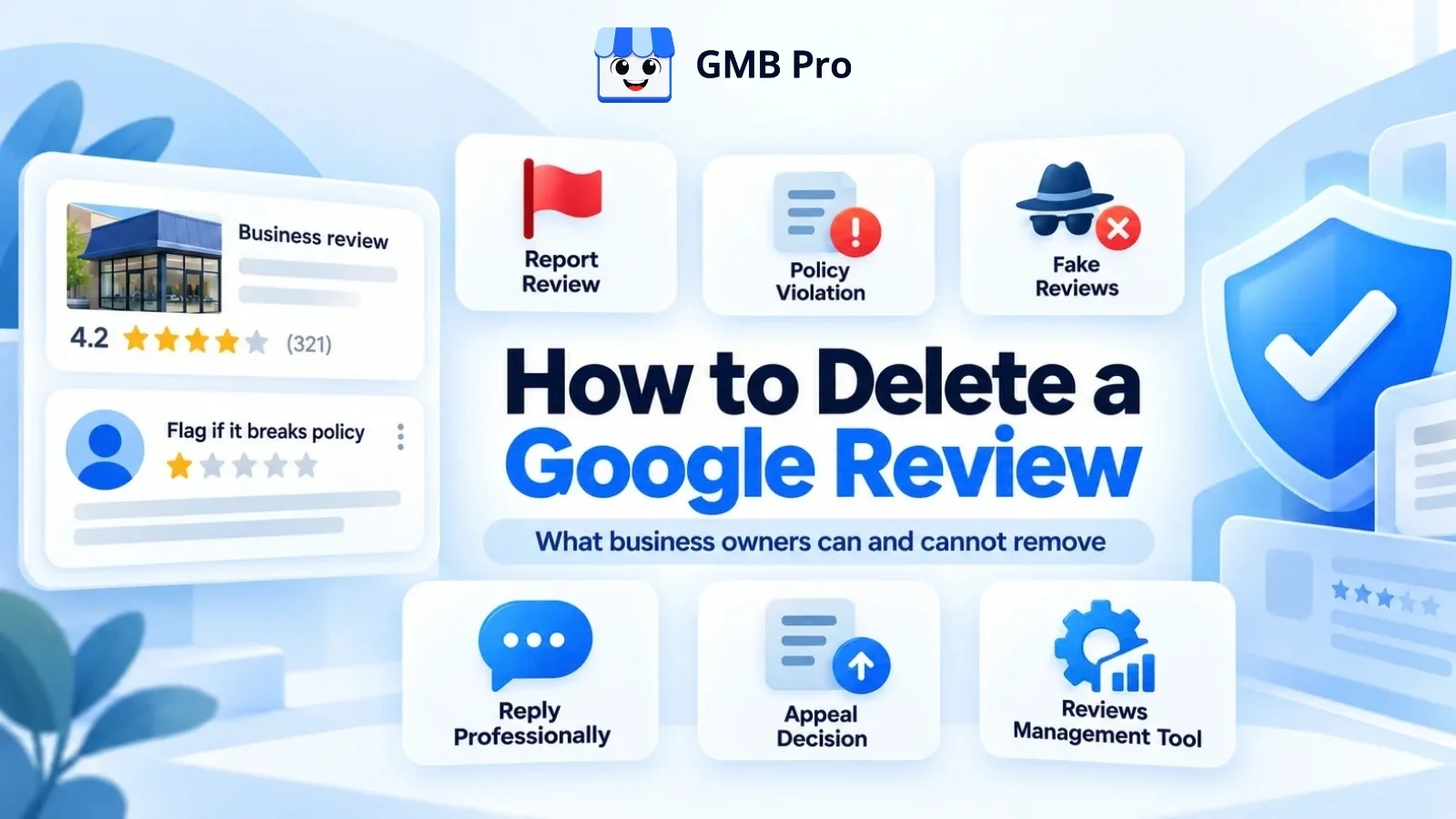
Business owners cannot remove Google reviews themselves. If a review goes against Google's policies, you can report it to Google. Google will review the complaint and decide whether to remove the review. If a customer shares a genuine negative experience, the review will usually stay. In that case, it's better to respond politely and professionally. Only the person who posted the review can delete it themselves.
This applies to every Google Business Profile (often called GMB), no matter the industry or size of the business.
- You can remove: fake reviews, spam, off-topic reviews, conflict-of-interest reviews, hate speech, and other reviews that violate Google's policies.
- You cannot remove: real but unfair reviews, low ratings you disagree with, or reviews that are simply negative.
- How to do it: Flag the review in your Google Business Profile, wait for Google's decision, then appeal if needed.
- Typical wait time: a few days, but it can take longer.
- Best backup plan: If Google keeps the review, respond professionally and keep asking customers for honest feedback.
Can Business Owners Delete Google Reviews?
Business owners cannot delete customer reviews from Google. Even if you disagree with a review, you cannot remove it yourself. Google will only consider removing a review if it breaks its content policies.
What you can do is flag a review.
When you report a review, Google checks whether it breaks any of its policies. If it does, Google may remove it. If it doesn't, the review will stay. Simply reporting a review does not mean it will be deleted. Handling reviews is just one part of good profile care, and our Google Business Profile management guide covers the rest.
What Google Reviews Can Be Removed
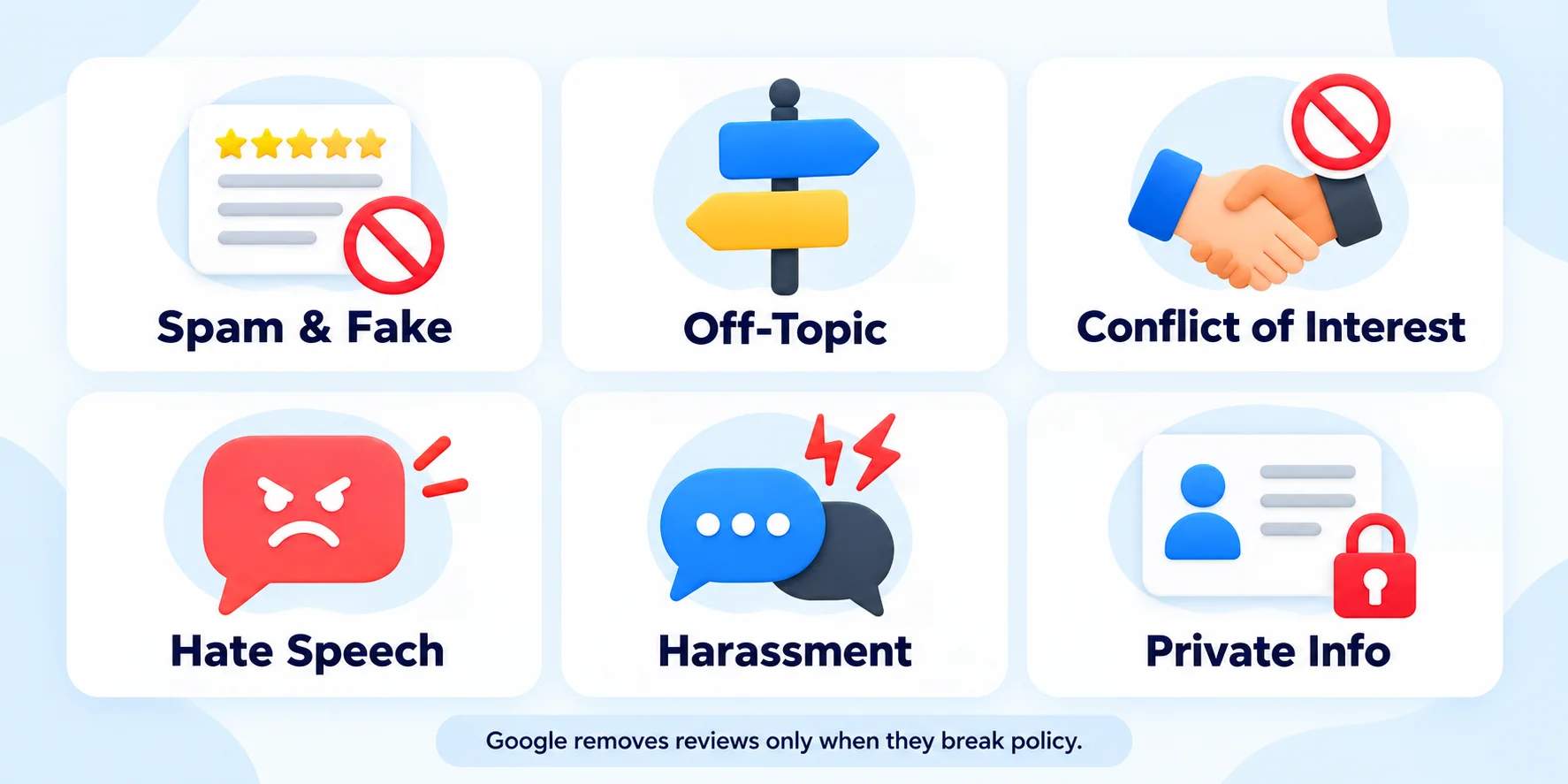
Google removes reviews that violate its Maps user-contributed content policy. Here are the most common reasons a review gets taken down.
| Violation Type | What It Means | Example |
|---|---|---|
| Spam and fake content | Reviews from people who never used your business, or posted in bulk | A review from someone in another country who never visited |
| Off-topic content | Reviews that are not about the customer's own experience with your business | A rant about politics or a news story |
| Conflict of interest | Reviews from current or former employees, competitors, or owners | A competitor posting a 1-star review on your page |
| Hate speech and offensive content | Content that attacks people based on race, religion, gender, and similar traits | A review with slurs or threats |
| Harassment and bullying | Personal attacks against staff or others | A review naming and insulting an employee |
| Sexually explicit content | Adult or inappropriate material | Explicit language or images |
| Illegal content | Content that promotes or offers illegal goods or services | A review advertising illegal products |
| Advertising and promotion | Reviews with links, phone numbers, or promotional messages | "Great, but visit my site for better deals" |
| Impersonation | Reviews pretending to be someone else | A fake account posing as a known person |
| Private or confidential information | Reviews sharing personal data of others | A review posting an employee's phone number |
Google updates its policies from time to time, so always check the latest version in the Google Maps contribution policy.
What Google Reviews Cannot Be Removed?
Google does not remove a review just because it is negative. Even if you feel the rating is unfair, the review may stay unless it breaks Google's policies.
- Negative but honest.A customer complains that they had to wait too long for service or that their food was served cold. That is their opinion.
- A low star rating with no text. Ratings without comments are hard to remove unless you can prove they are fake.
- Unfair, but from a real customer. Even if you think the customer was wrong, Google generally will not remove it.
- Harsh or emotional, but not abusive. Strong language alone is not always a violation.
- About a dispute you had with the customer. Google does not take sides in business disagreements.
Important: Simply saying a review is fake is not enough.Google will only consider removing it if it breaks one of its review policies. Always match your report to a specific policy reason.
Reviews can influence how potential customers perceive your business and may contribute to local search visibility. They are not the only factor that affects local rankings.
See the full list of Google Business Profile ranking factors to understand how much a single review really matters.
How to Report a Google Review (Step by Step)
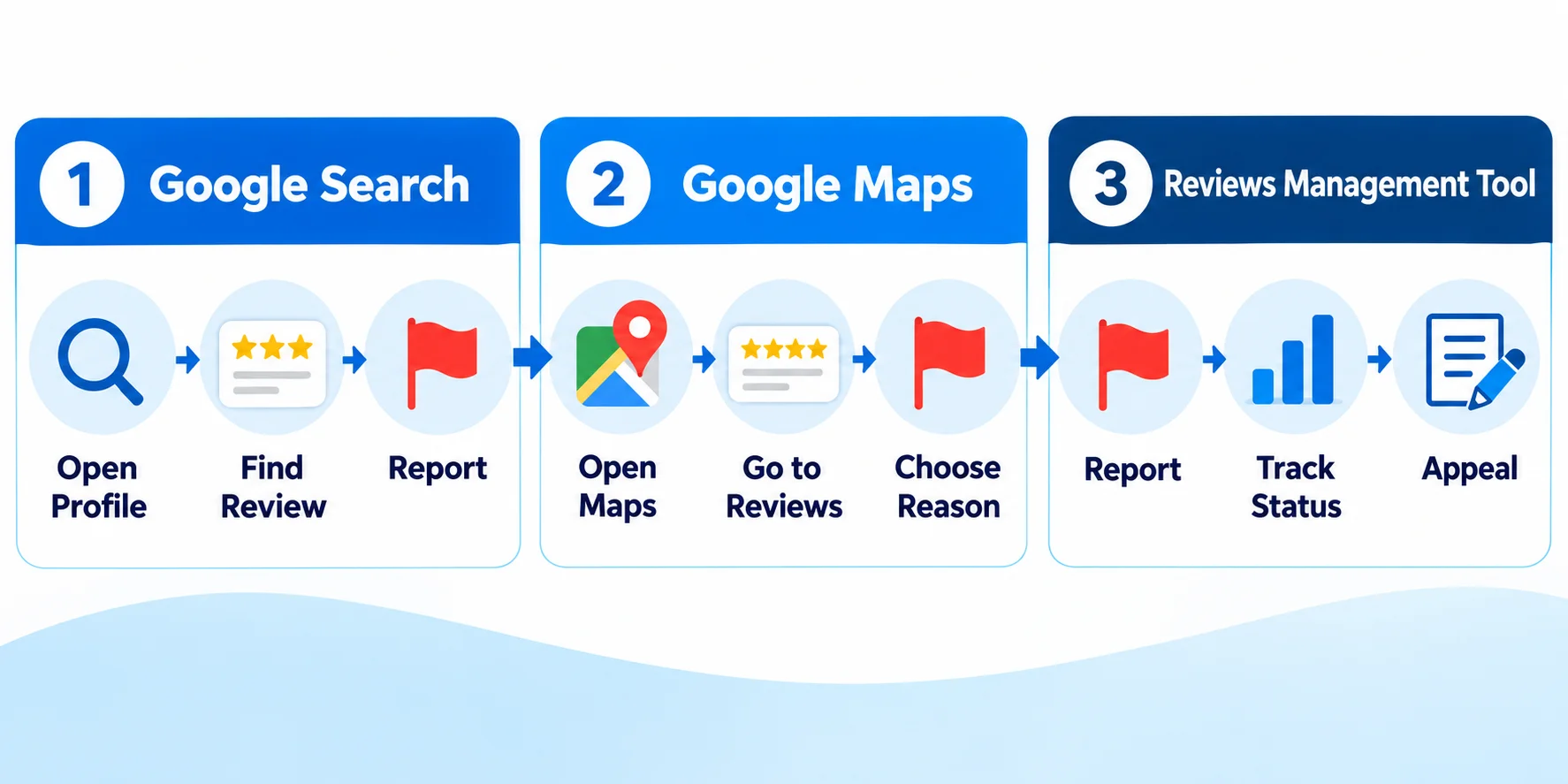
You can report a review through Google Search, Google Maps, or Google's Reviews Management tool. Here is how each option works.
Method 1: Report From Google Search
- Sign in to the Google account linked to your Business Profile, then search for your business name on Google
- Click Reviews on your Business Profile.
- Find the review you want to report.
- Find the review and click the three dots beside it.
- Select Report review.
- Choose the reason that best matches the violation.
- Submit your report.
Method 2: Report From Google Maps
- Open Google Maps and sign in.
- Search for your business on Google and open your Business Profile.
- Go to the Reviews section.
- Find the review you want to report and tap the three dots beside it.
- Select Report review and choose the reason that best explains the issue.
Method 3: Use the Reviews Management Tool
Google provides a dedicated Reviews Management tool for business owners. It lets you report reviews, track the status of your reports, and appeal decisions in one place.
If your business has more than one location, you can use Google's Reviews Management tool to check the status of reported reviews in one place. For day-to-day monitoring and replies across locations, dedicated GMB management software may also be useful.
Tips for a Stronger Report
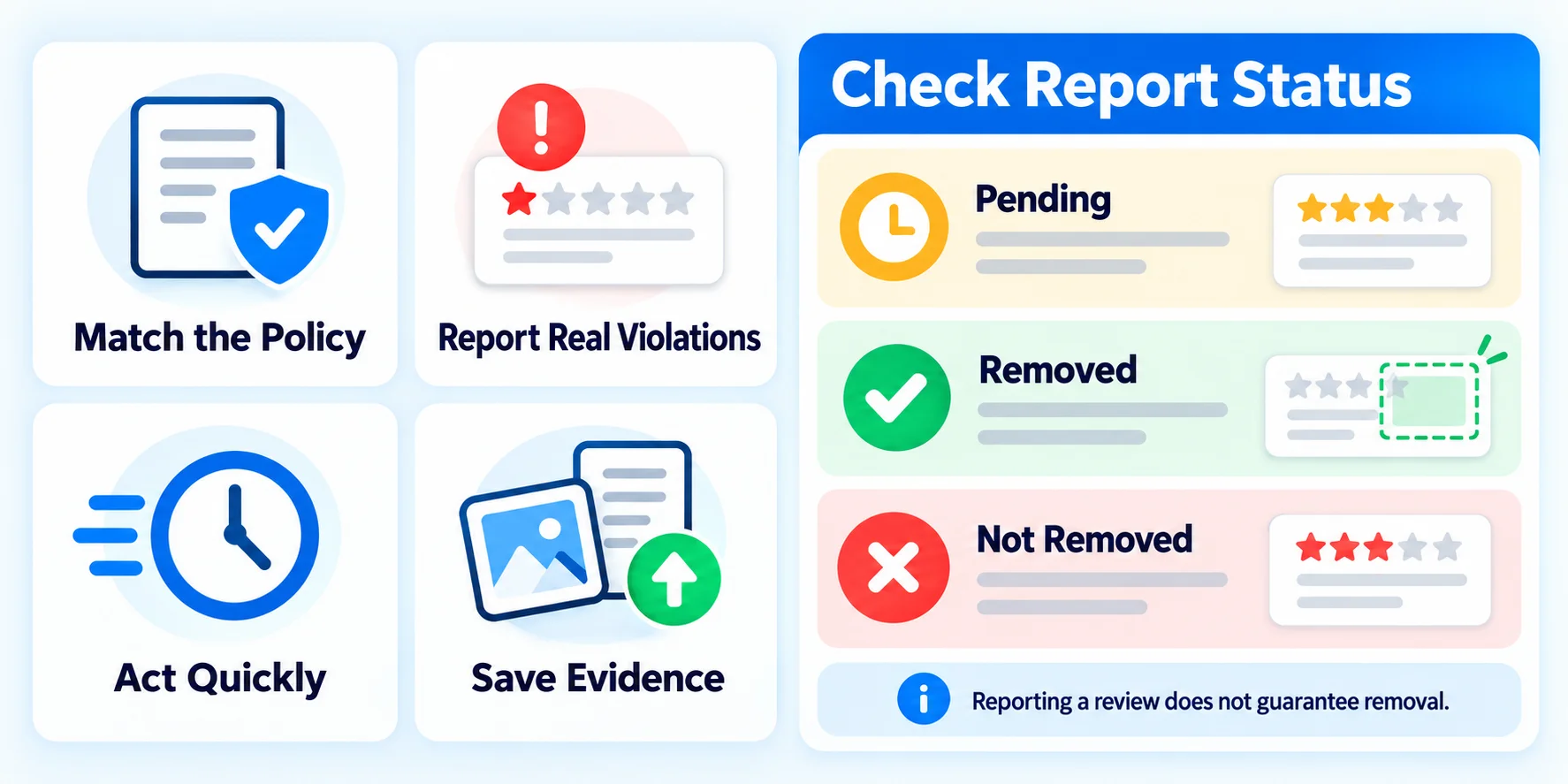
- Select the policy that the review actually violates. For example, report promotional spam as spam rather than simply marking it as offensive.
- Report only real violations. Repeated weak reports can hurt your chances.
- Act quickly. Report as soon as you spot the problem.
- Save evidence. Take screenshots and keep records showing the reviewer was never a customer.
How to Check the Status of a Reported Review
After you report a review, you can follow its progress in the Reviews Management tool. You will usually see one of these statuses:
- Pending: Google is still reviewing your report.
- Removed: Google agreed and took the review down.
- Not removed: Google checked the review and found no policy violation.
Most decisions arrive within a few days, though some take longer. Avoid submitting the same report again and again, as that will not speed things up.
What to Do If Google Rejects Your Report
If Google declines your report, check the reason before deciding what to do next. You may be able to appeal if you have evidence that the review violates a specific policy.
- Use the appeal option. The Reviews Management tool lets you appeal a rejected report. Add clear details and evidence, such as proof the reviewer had no relationship with your business.
- Contact Google Business Profile support. Reach out through the official support page for chat or email help.
- Ask in the Google Business Profile Community. Product experts there often give useful advice on tricky cases.
- Reach out on social media.Some business owners also reach out to the official Google Business Profile support team for help.
When contacting support, explain which review you reported, which policy it appears to violate, and what evidence supports your claim. Keep the message focused on those details.
Removing Reviews Through Legal Requests
If a review contains defamation (false statements that harm your reputation) or breaks the law in another way, you can submit a legal removal request to Google.
Keep these points in mind:
- Google needs a clear reason under the law of your country. An opinion is not defamation.
- You may need a court order in some cases.
- Laws differ by country, so speak with a qualified lawyer before taking action.
- Legal action can be slow and costly. Use it only for serious cases.
How a Reviewer Can Delete Their Own Review
Sometimes the easiest fix is to solve the customer's problem. If they are satisfied, they can remove or edit their review. Here is how they do it:
- Open Google Maps and tap Contributions or You.
- Open Reviews to see their past reviews.
- Choose the review, tap the three dots, then select Delete review or Edit review.
Never pay, bribe, or pressure a customer to remove a review. It can violate Google's rules and may create legal trouble. Simply resolve their issue in good faith, and if they choose to update their review, that is their decision.
How to Respond to a Review You Cannot Remove
You cannot control what a customer writes, but you can control your response. A calm, specific reply gives potential customers a better idea of how you handle complaints.
For restaurants, a public reply can be especially useful when someone complains about a long wait, a delivery delay, or a problem with their order. Potential diners can see how the restaurant responds. If that is your business, read our guide on Google Business Profile for restaurants too.
A Simple 5-Step Reply Formula
- Thank them. "Thank you for sharing your feedback."
- Apologize where fair. "We are sorry your visit did not meet expectations."
- Address the issue. Mention the specific problem without arguing.
- Offer a fix. Share a contact method to resolve it offline.
- Keep it short. Two to four sentences is enough.
Sample Reply
Hi Priya, thank you for telling us about your experience. We are sorry the delivery was late. This is not the standard we aim for. Please call us at [phone number] so we can make this right.
What Not to Do in Replies
- Do not argue or blame the customer.
- Do not share private customer details.
- Do not copy and paste the same reply for every review.
- Do not reply while angry. Wait, then write.
Mistakes to Avoid
- Buying "review removal" services. Many are scams or use tactics that break Google's rules, which can put your profile at risk.
- Posting fake positive reviews. Google can remove them, and in some countries fake reviews can lead to fines or legal action.
- Filing false reports. Reporting honest reviews as fake can weaken your credibility.
- Review gating. Asking only happy customers for reviews goes against Google's guidelines.
- Ignoring negative reviews. Silence looks careless to new customers.
How to Protect Your Rating Long Term
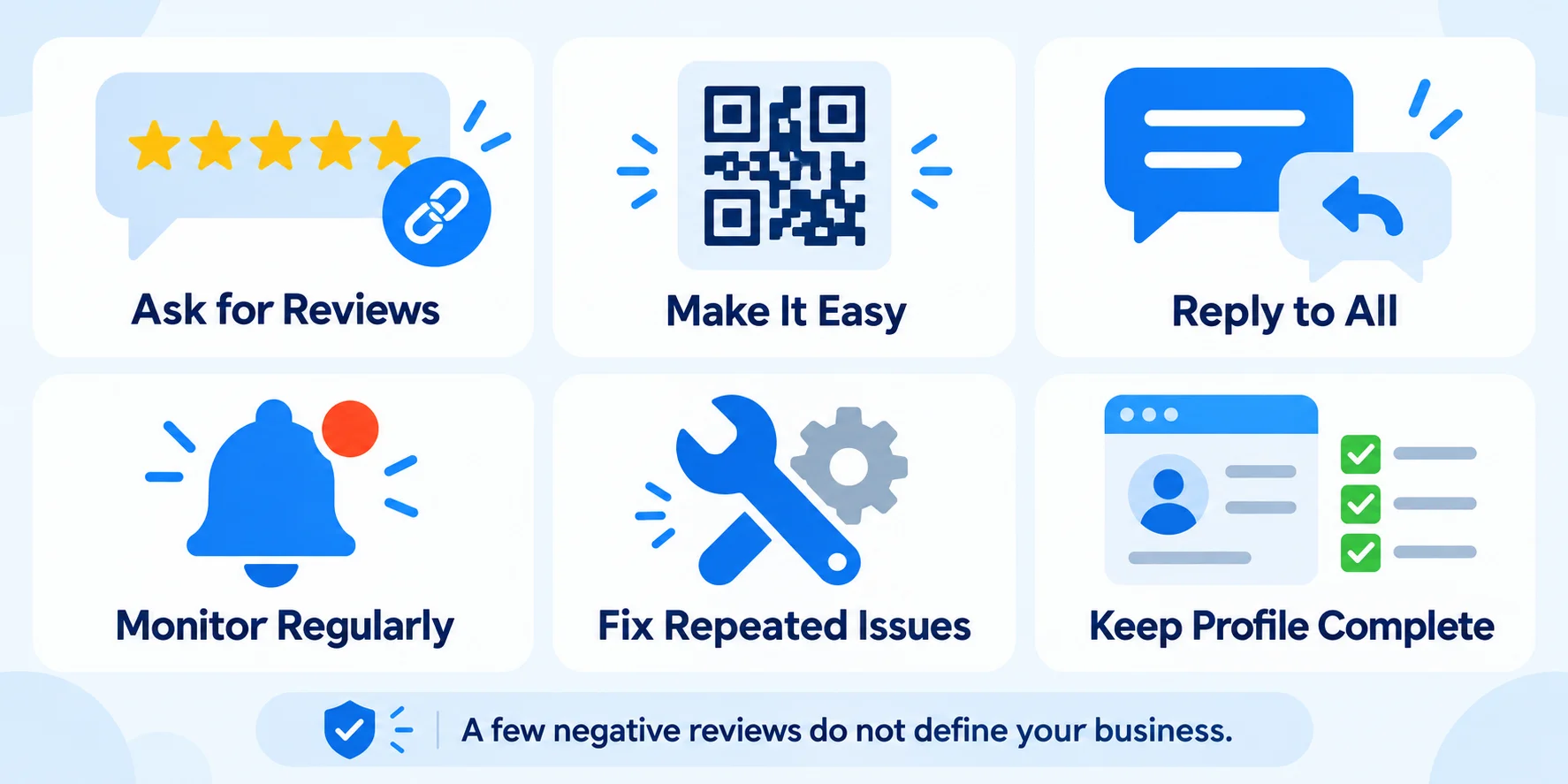
Some negative reviews will stay, even when you disagree with them. Focus on responding to feedback, fixing recurring problems, and making it easy for all customers to leave honest reviews.
- Ask every happy customer for a review. Share your Google review link by SMS, email, or a QR code at your counter.
- Make it easy. The fewer clicks, the more reviews you get.
- Reply to all reviews. Good and bad. It shows you care. A tool like GMB Pro review management helps you track and answer every review from one dashboard.
- Monitor regularly. Turn on notifications so you catch fake reviews early.
- Fix repeated complaints. If many reviews mention the same problem, that is useful feedback.
- Keep your profile complete. Accurate hours, photos, and services build trust. Follow our steps to optimize your Google Business Profile, and run a regular Google Business Profile audit to catch gaps.
A few negative reviews do not automatically mean customers will avoid your business. How you respond to complaints and whether you address recurring issues can also shape a potential customer's impression.
Final Thoughts
Although you cannot delete a customer's review yourself, you can report policy violations, appeal eligible decisions, and respond to reviews that remain visible.
Flag reviews that break Google's rules, appeal when you have evidence, and reply with care to the ones that stay. Then keep collecting genuine reviews so your overall rating tells the true story of your business.
Next step: Open your Google Business Profile today, scan your recent reviews, and report any that clearly break the policy.