
If you manage more than one Google Business Profile, you already know the problem. Logging into Google, checking each listing, writing a post, replying to a review, and checking rankings takes a few minutes per location. Multiply that by ten locations or fifty client accounts, and it stops being a small task. It becomes a full-time workflow.
That is the gap Google Business Profile management software fills. But the category is crowded, pricing pages can be confusing, and many best tools articles list products without explaining how to judge one. This guide does the opposite. It gives you a practical framework for choosing software: what these tools do, which features matter, how pricing models work, what questions to ask, and how to score any tool you are considering.
One more thing matters in 2026. BrightLocal’s Local Consumer Review Survey found that consumers using AI tools for local business recommendations grew from 6% in 2025 to 45% in 2026, while Google review usage dropped from 83% to 71%. That doesn’t make Google Business Profile any less important. It makes profile accuracy, fresh reviews, and clear business data more important because AI assistants increasingly rely on current business information when forming local recommendations.
Quick Answer
The right Google Business Profile management software depends on three things: how many locations you manage, who is doing the daily work, and which tasks consume the most time right now. Look for software that connects through Google OAuth and the Business Profile API, covers your must-have workflows without forcing unnecessary add-ons, and lets you test the tool on a real profile before you commit.
Key Takeaways
- Google Business Profile management software helps businesses and agencies manage posts, reviews, rankings, reports, and profile workflows from one dashboard.
- The best software connects through Google OAuth and the official Business Profile API instead of asking for a Google username and password.
- For one location, manual management can still work. For agencies, freelancers, and multi-location brands, software saves time and reduces missed tasks.
- Core features to check include AI post scheduling, review monitoring, local rank tracking, listing audits, reporting, permissions, and citation consistency.
- Pricing models vary by location count, team seats, tiers, and usage-based add-ons, so compare the total yearly cost at your actual usage level.
- The final decision should come after a real trial on a live profile, not just after reading a demo page.
What Is Google Business Profile Management Software?
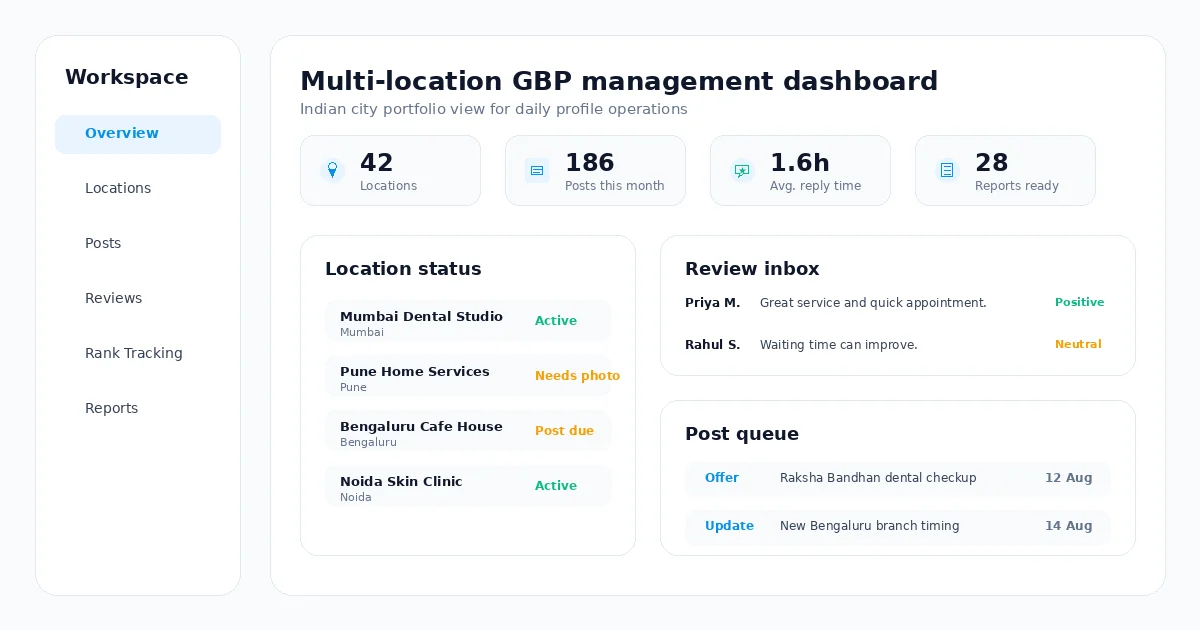
Google Business Profile management software is a tool that connects to your GBP listings, usually through Google’s official Business Profile API, so you can manage posts, reviews, rankings, reports, and profile tasks from one dashboard instead of working through Google Search or Maps for every location.
Most tools also add features Google does not offer natively, such as AI-written posts, automated review reply drafts, local rank tracking, listing audits, citation checks, team permissions, and client-ready reports.
The category exists because managing a profile by hand does not scale. Google Business Profile no longer has a dedicated standalone mobile app for business owners, after Google moved management into Search and Maps in 2022. That works for one location. It becomes inefficient when you are responsible for several profiles or client accounts.
Key Terms to Know
GBP means Google Business Profile. NAP stands for your business name, address, and phone number. Local pack or map pack means the local business results shown for local searches. Business Profile API is Google’s official interface for approved software integrations. White-label reporting means reports that agencies can brand before sending to clients.
Who Actually Needs This Software?
Not every business needs the same tool, or any tool at all. A single cafe with one location has different needs from an agency running fifty client profiles. The right choice depends on workload, location count, reporting needs, and team structure.
| Who You Are | Main Pain Point | What to Prioritize |
|---|---|---|
| Local business owner, one location | No time to post consistently or track reviews | Simple AI post scheduling, review alerts, easy setup |
| Freelance marketer or consultant | Repeating the same manual work across every client | Repeatable workflow, affordable per-client pricing, client reports |
| Marketing agency | Managing dozens or hundreds of listings without losing control | Multi-location dashboard, team roles, white-label reports, bulk actions |
| Multi-location brand or franchise | Keeping information and posting consistent across every branch | Bulk editing, location groups, centralized review inbox, brand-safe AI |
If you fall into more than one group, choose software that fits where you are heading in the next twelve months, not just where you are today. Switching platforms later can mean retraining your team and rebuilding reporting history.
Core Features Every Google Business Profile Software Should Have
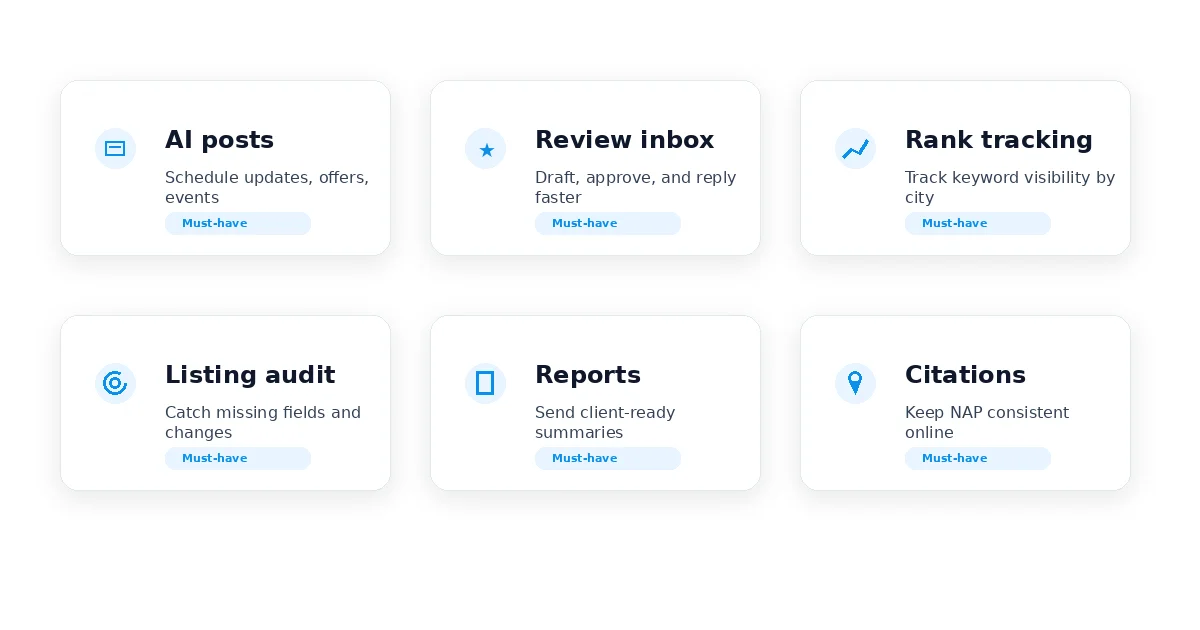
Vendors market dozens of features, but most Google Business Profile management software is built around a few recurring jobs. These are the core capabilities to evaluate first.
AI Post Creation and Scheduling
Google says posts older than 6 months are archived unless a date range is set. That makes posting a recurring freshness task, not a one-time upload. Good software should generate on-brand post drafts and let you schedule updates, offers, and events in advance.
Review Monitoring and AI Replies
Every new review from every location should land in one inbox. Strong tools detect sentiment, suggest replies that match the brand voice, and let a user approve or edit before publishing.
Local Rank Tracking
Rank tracking shows where a profile appears for target local keywords. Good software should update on a predictable schedule and compare against named local competitors or geographic areas.
Listing Audits and Edit Protection
Anyone can suggest edits to business information, and Google may use multiple signals to update profile details. A strong tool should flag missing fields, incomplete sections, and risky profile changes before they hurt customers or visibility.
Multi-Location Dashboard
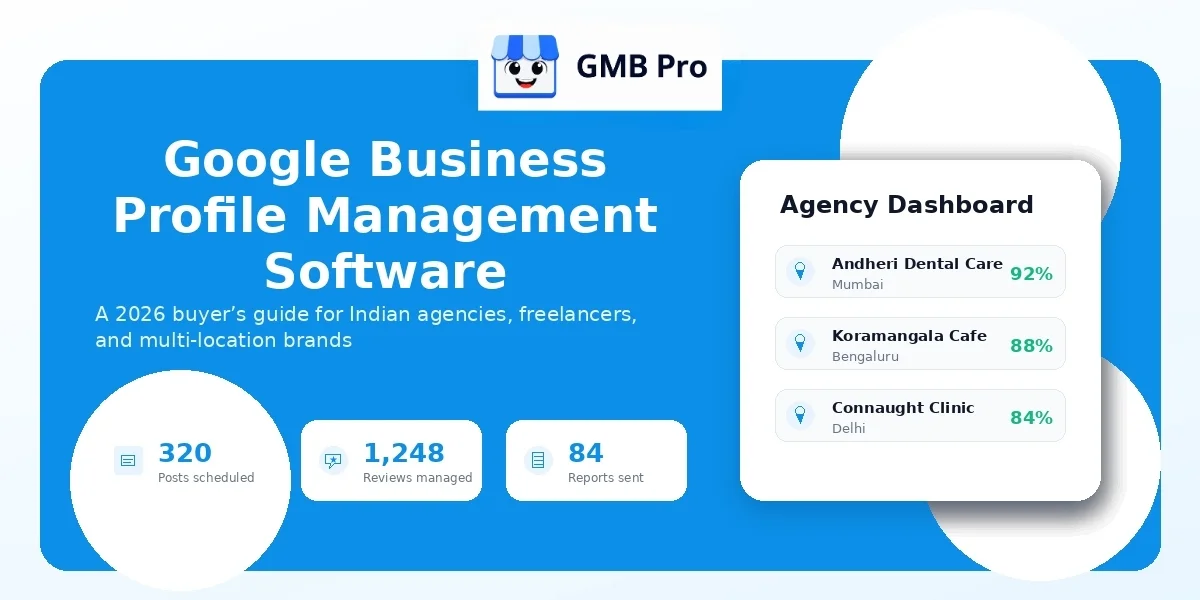
If you manage more than one listing, a multi-location dashboard is essential. You should be able to see location health, post to one or many profiles, and drill into one location without switching accounts.
Client Reporting and White-Label Exports
Agencies and freelancers need reports that are ready to share. A strong reporting module summarizes views, calls, clicks, direction requests, review volume, and post activity without manual screenshots.
Team Roles and Approval Workflows
Once more than one person manages profiles, permissions matter. Look for role-based access, location-level permissions, and approval steps before content goes live.
Local Citations and Consistency
Your name, address, and phone number should match across directories, not only on Google. Citation consistency checks can prevent the need for a separate tool.
| Feature | Red Flag to Watch For |
|---|---|
| AI posts | Generic templates that ignore services, location, or brand voice |
| Review replies | No way to edit before publishing, or no sentiment awareness |
| Rank tracking | No visible methodology, or infrequent, vague updates |
| Multi-location | “Multiple locations” support that still requires separate logins |
| Reporting | Raw data exports with no client-ready summary |
| Team access | One shared login for the whole team |
The Google API Question: Why It Matters More Than You Think
This is the part many software comparisons skip, and it is the part that protects you the most. Google Business Profile management tools connect to your listing either through Google’s official Business Profile APIs or through unsafe workarounds that were not meant for scale.
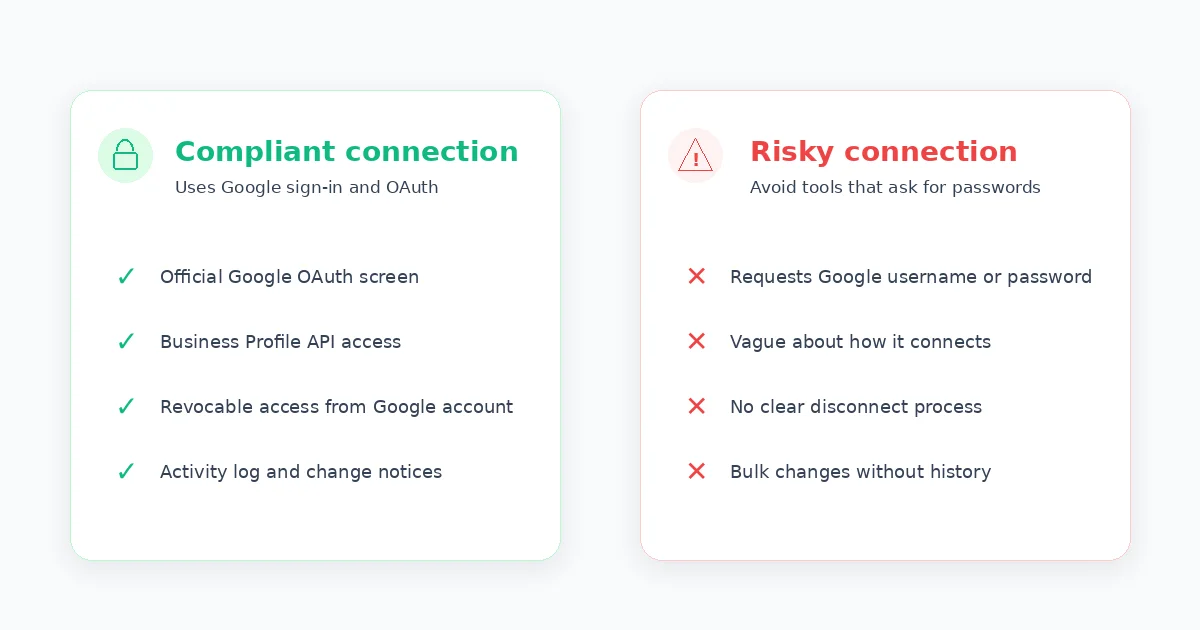
Google’s developer documentation says every request to the Business Profile APIs must include an authorization token and that applications must use OAuth 2.0. Google’s policy documentation also says third parties managing listings must follow Business Profile third-party policies and provide notice within 48 hours when a tool makes changes such as adding a new manager to an end-client account.
In practical terms, a safe tool uses the Google sign-in flow. You approve access, and you can revoke it later from your Google account. A risky tool asks for your Google username and password directly. That should be treated as a security warning, not a normal onboarding step.
| Sign of a Compliant Tool | Sign of a Risky Tool |
|---|---|
| Connects through Google’s OAuth sign-in screen | Asks for your Google username and password directly |
| Clearly states that it uses the Business Profile API | Vague about how it connects to your listing |
| Access can be revoked from your Google account | No clear way to disconnect the tool |
| Shows activity logs or change history | Makes bulk changes with no history or notice |
How to Choose Google Business Profile Software: A Step-by-Step Framework
Once you understand the features and API question, choosing a tool becomes easier. Use this sequence before comparing software purely by price.
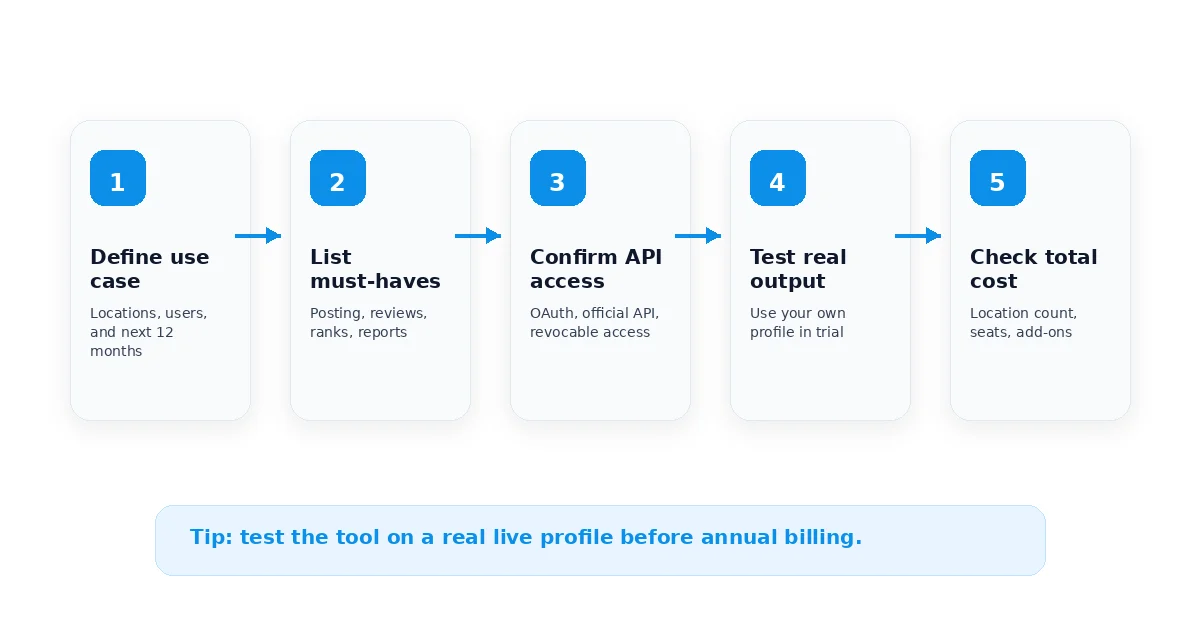
Step 1: Define Your Actual Use Case
Write down how many locations you manage today and how many you expect to manage in a year. Also note who will use the tool daily.
Step 2: Separate Must-Haves from Nice-to-Haves
Mark the features that solve your biggest current time drain. If reviews are the problem, review management is a must-have. If posting is already handled, do not overpay for a heavier content tool.
Step 3: Confirm Google API Compliance
Ask whether the tool is powered by the official Business Profile API and connects through Google sign-in. If the answer is unclear, treat that as a warning sign.
Step 4: Test AI Quality Yourself
Generate a sample post and a review reply using your real business details during the trial. Generic output in a demo will not improve after you pay.
Step 5: Check How Rank Tracking Works
Ask which keywords are tracked, how often positions update, and whether the tool supports competitor or area-level visibility views.
Step 6: Review the Reporting Output
Ask for a real sample report, not only a description. Check whether you could send it to a client or manager without redesigning it.
Step 7: Understand the Full Pricing Model
Calculate the total cost at your real location count and user count, including add-ons you are likely to use.
Step 8: Test Support Responsiveness
Send a real question during the trial. The quality of that response is a preview of what support will feel like after you pay.
Step 9: Run the Trial on a Real Live Profile
Connect an actual profile, publish a real post, and reply to a real review before deciding.
Step 10: Check Independent Proof
Look for independent reviews, specific case studies, and signs that the company has a credible track record.
Google Business Profile Software Pricing Models Explained
Pricing pages in this category can be confusing because vendors mix different billing models. Understanding the model helps you compare total cost more accurately.
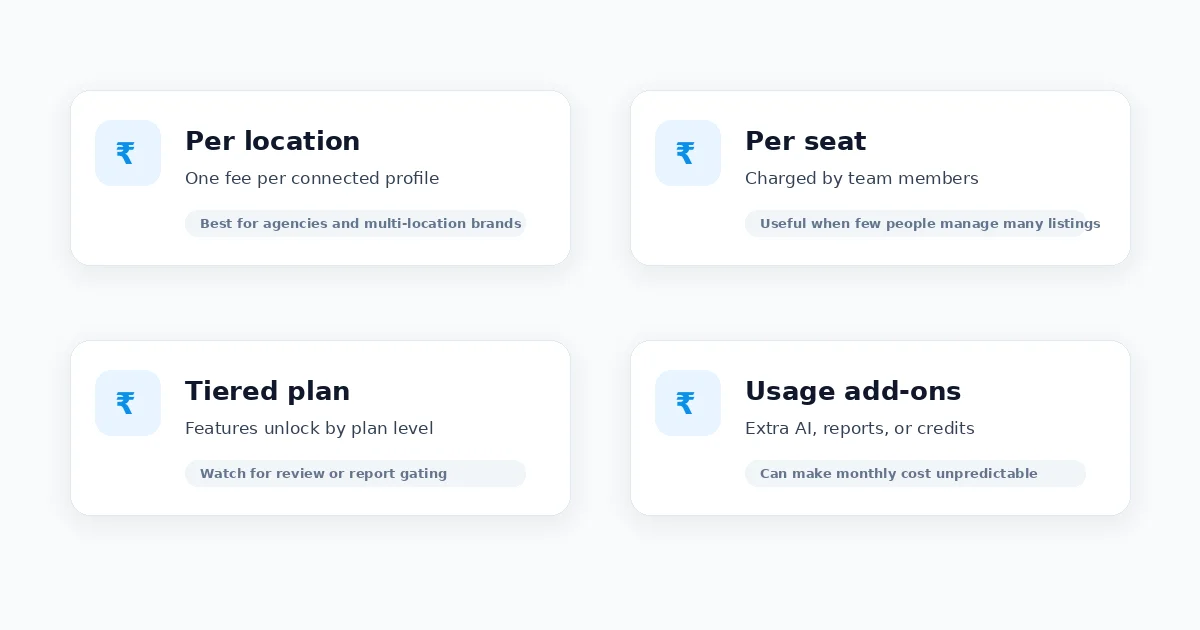
| Pricing Model | How It Works | Best For | Watch Out For |
|---|---|---|---|
| Per location | A flat fee for each Google Business Profile connected | Multi-location brands and agencies | Costs scale quickly past 20 to 30 locations, so ask about volume pricing |
| Per seat | Priced by number of team members with login access | Small teams managing many listings | Can increase quickly as the team grows |
| Flat monthly, tiered plans | One price covering a set number of locations and features | Freelancers and small agencies | Important features may be gated behind a higher tier |
| Usage-based add-ons | A base plan plus charges for extra AI credits, reports, or alerts | Businesses testing before scaling | Real monthly cost can become hard to predict |
A useful habit: calculate what each tool would cost for your actual location count and team size over the next twelve months. The cheapest entry plan is not always the cheapest operational plan.
Buyer’s Scorecard Checklist
Use this scorecard to compare two or three shortlisted tools side by side. Score each row from 1 to 5 for every tool you are evaluating, then compare totals.
| Evaluation Criteria | Score (1 to 5) | Notes |
|---|---|---|
| Uses Google’s official Business Profile API | ||
| Covers your must-have features from Step 2 | ||
| True multi-location dashboard, no separate logins | ||
| AI post quality on your real business details | ||
| AI review reply quality and editability | ||
| Rank tracking method and update frequency | ||
| Report quality, ready to send with no edits | ||
| Team roles, permissions, and approval workflow | ||
| Setup time and ease of onboarding | ||
| Support response time during trial | ||
| Total price at your real location and seat count | ||
| Data and account security practices | ||
| Contract flexibility, monthly versus annual lock-in |
Questions to Ask Before You Sign Up
Bring these questions to a sales call or support chat. A vendor who cannot answer them clearly is telling you something too.
- Do you connect through Google’s official Business Profile API and Google’s sign-in screen?
- What happens to my data and listing access if I cancel?
- Can I see a real sample report before I commit?
- How often does rank tracking update, and how is it calculated?
- Can I edit AI-generated posts and review replies before they publish?
- How are team roles and location-level permissions handled?
- What is the total price at my exact number of locations and team members?
- Is pricing monthly, or does it require an annual commitment?
- What happens if I add or remove a location mid-billing cycle?
- What does support look like after I am a paying customer, not just during the trial?
Common Mistakes to Avoid
- Choosing based on price alone. The cheapest plan often hides the features you actually need behind a higher tier.
- Skipping the API question. A tool that asks for your Google password instead of using Google sign-in is a real security risk.
- Not testing on a real profile. Demo videos hide friction; only a live trial shows the day-to-day experience.
- Ignoring team needs until later. Adding roles and permissions after the fact is harder than choosing a tool that supports them from day one.
- Overbuying for where you are today. An enterprise-grade platform is wasted on a single location, and a lightweight tool may not hold up for an agency.
- Not checking report quality upfront. If the reports are not client-ready, you are back to doing manual work.
- Locking into an annual plan before a real trial. Test monthly first, even if annual pricing looks better.
- Forgetting to check independent reviews. Testimonials on a vendor’s own site are curated by definition.
Choosing Software by Use Case
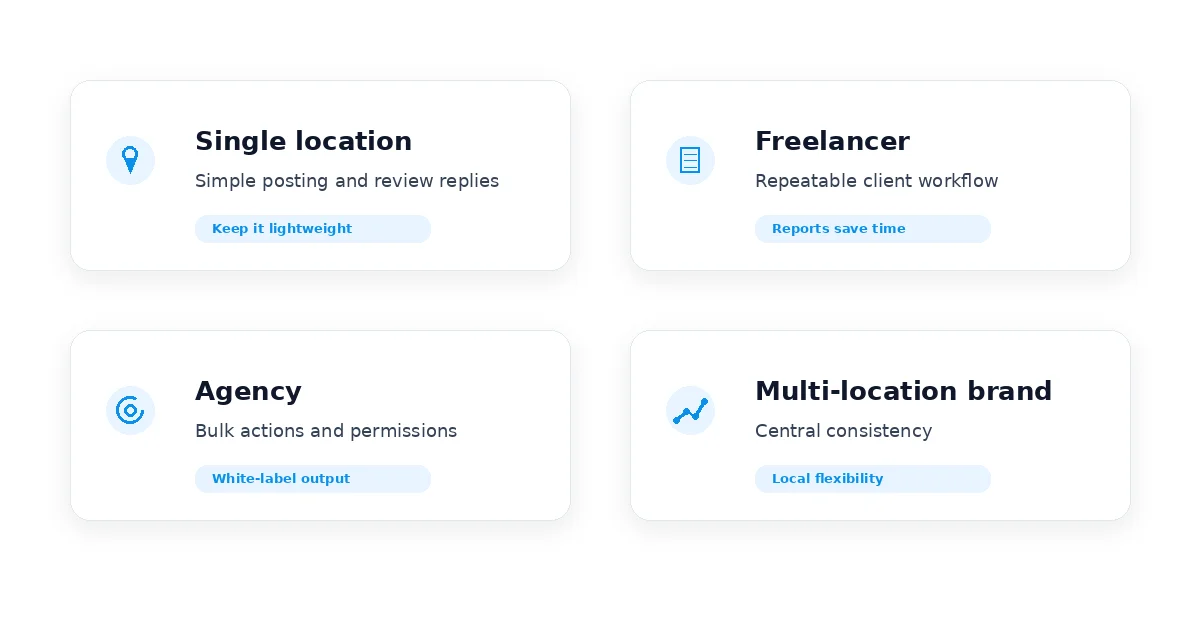
The right software depends on who manages the work and what repeatable tasks create the most friction.
Agencies
Agencies should prioritize a real multi-location dashboard, role-based team access with approval workflows, and white-label, client-ready reporting that does not need to be rebuilt every month. Bulk actions across listings matter as much as any single feature because the time saved compounds across every client account.
Freelancers and Solo Consultants
Freelancers need a workflow they can repeat for every client without reinventing it each time. Affordable per-client pricing, straightforward AI post scheduling, and simple automated reports matter more than deep enterprise features they will never touch alone.
Multi-Location Brands and Franchises
Consistency across locations is the priority here. Look for bulk editing, location grouping, a centralized review inbox across every branch, and brand-safe AI that keeps tone and messaging consistent across locations.
Single-Location Local Businesses
Keep it simple. You mainly need consistent posting, timely review replies, and a way to see whether your visibility is improving, without paying for agency-scale features you will not use.
Where GMB Pro Fits
GMB Pro was built around the criteria in this guide. It connects through the official Google Business Profile API and covers the core jobs this article walks through in one dashboard: AI-written post scheduling, review monitoring with AI-suggested replies in English, Hindi, or Hinglish, local rank tracking, white-label monthly reports, role-based team access with approval workflows, and citation consistency.
Whether you run one local business or manage profiles for dozens of clients, you can run your own version of the scorecard above against a live trial. GMB Pro offers a 14-day free trial with no credit card required, so you can test it on a real profile before deciding. Start your free trial or see current pricing plans.
Final Thoughts
Choosing Google Business Profile management software is not about finding the longest feature list. It is about matching the tool to your location count, team structure, and the tasks that are costing time and revenue today.
Confirm API access, test the platform on a real profile, compare the real twelve-month cost, and review report quality before committing. If you want to see how this framework works against a live product, start a 14-day free trial of GMB Pro, no credit card required. You can also read the companion guide on optimizing a Google Business Profile for the strategy side of local SEO once your tool is in place.
Fact-Check Sources Reviewed
- BrightLocal 2026 Local Consumer Review Survey for local review and AI discovery behavior.
- BrightLocal AI trust research for the 6% to 45% AI tool usage claim.
- Google Business Profile Posts Help for post types and archived posts guidance.
- Google Business Profile API OAuth overview for OAuth requirements.
- Google Business Profile API policies for third-party management and notification requirements.
- Google Business Profile local ranking guidance for relevance, distance, and prominence.
- Google Business Profile performance documentation for performance metrics such as calls, website clicks, and direction requests.