
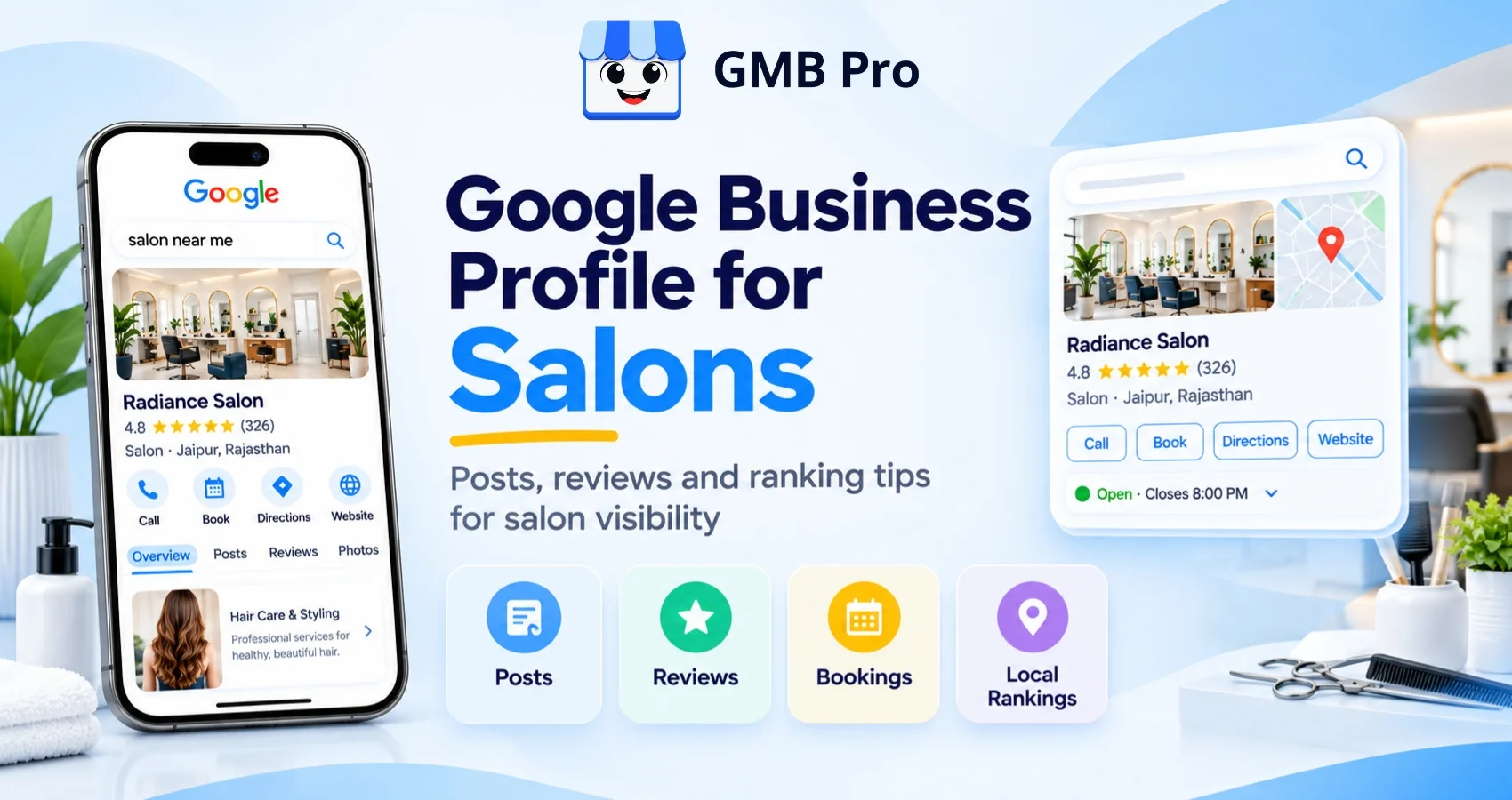
Search for hair salon near me in any city and you will usually see the same pattern in the map pack. One salon has fresh photos, many recent reviews, and a visible booking button. Another has old photos, a few reviews from years ago, and no clear next step. The issue is often not the haircut itself. It is how well the salon manages its Google Business Profile.
This guide explains the setup work and the weekly habits that matter most for salons. It covers categories, services, posts, reviews, photos, booking links, ranking signals, and common mistakes. The language is simple because most salon owners need actions they can follow, not technical SEO language.
This is even more important in 2026 for another reason. BrightLocal reported that the use of ChatGPT and other AI tools for local recommendations rose from 6% last year to 45%. When someone asks an AI tool for a salon nearby, strong profile data, reviews, services, and photos help the business look more trustworthy.
Quick Answer:
A salon Google Business Profile improves through three ongoing habits: post regularly with real photos, ask happy clients for reviews and reply to every review, and keep categories, services, hours, booking links and photos accurate. These habits help Google understand the salon and help clients decide faster.
Key Takeaways
- A complete salon profile helps clients decide faster because they can see photos, reviews, hours, services and booking options in one place.
- Category choice matters. Choose the most accurate primary category and add secondary categories only for services you actually offer.
- Google Posts should be used often, but older posts are now archived after 6 months unless a date range is set. Weekly posting is still a useful habit because it keeps offers and services fresh for clients.
- The public Q&A feature is no longer relevant for a salon checklist. Google ended the My Business Q&A API on November 3, 2025, while Ask Maps now answers many customer questions using AI.
- Native Business Profile chat and call history were removed on July 31, 2024, so salons should not depend on old chat workflows.
- Booking links still matter. Google supports bookings through providers and also allows businesses to add their own booking link.
- Reviews and photos are especially important for salons because the service is personal and visual.
Why Your Google Business Profile Matters So Much for a Salon
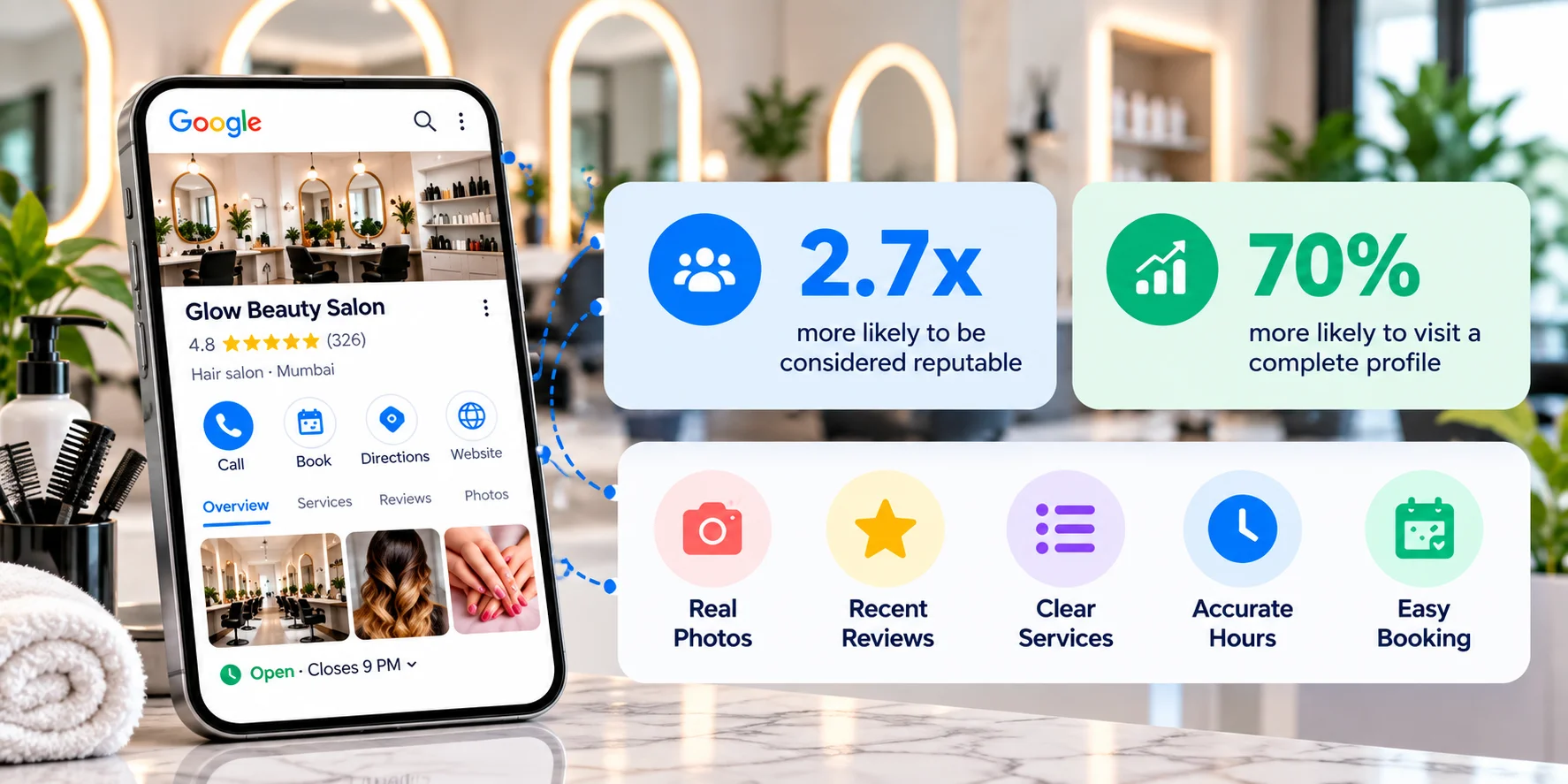
A salon sale is personal and visual. Clients want to know if the place looks clean, if the team is skilled, and if other people had a good experience. Your profile answers those questions before the client calls, books, or visits.
Google says a complete Business Profile makes customers 2.7 times more likely to consider a business reputable and 70% more likely to visit. That is especially useful for salons, where trust is built through photos, reviews and clear service details.
For a simple explanation of the profile itself, read our guide on what a Google Business Profile is.
Set Up Your Salon Profile the Right Way
Posts and reviews work best when your basic business information is correct . Before focusing on weekly activity, check the basics first.
For a deeper setup checklist, use our Google Business Profile optimization guide as your base reference.
Choose your categories with precision
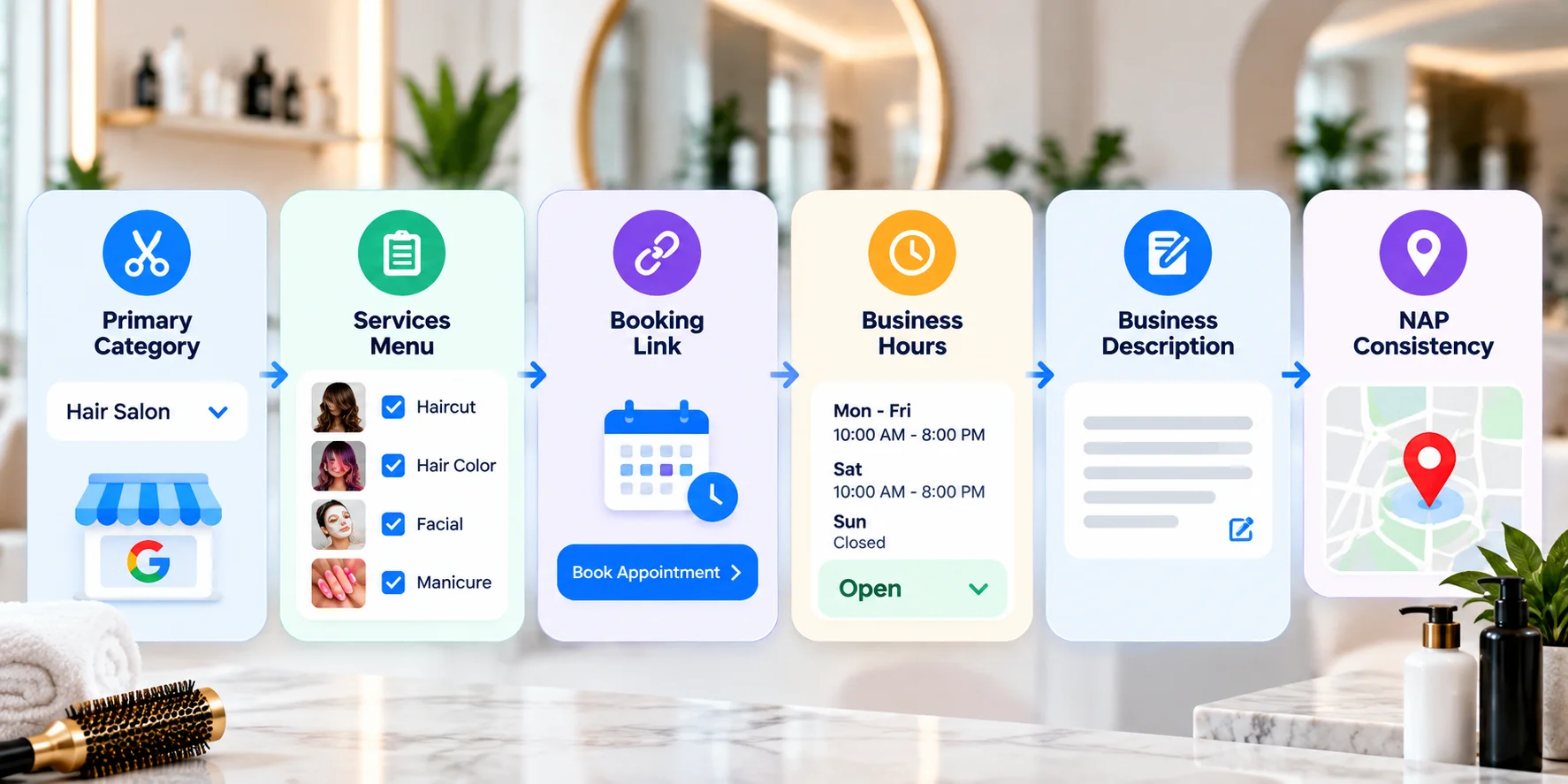
Choose one primary category that best represents your main service. Then add only the secondary categories that honestly apply. A hair salon should not add nail salon unless it actually offers nail services.
| Salon Type | Best Primary Category | Secondary Categories to Consider |
|---|---|---|
| Full-service hair salon | Hair Salon | Beauty Salon, Hair Color Specialist, Waxing Hair Removal Service |
| Nail-focused salon | Nail Salon | Beauty Salon, Spa, Waxing Hair Removal Service |
| Day spa | Day Spa | Facial Spa, Massage Therapist, Skin Care Clinic |
| Barber shop | Barber Shop | Hair Salon, Men's Hair Salon |
| Lash and brow studio | Eyelash Salon | Beauty Salon, Waxing Hair Removal Service |
Build a real services menu
Use the Services section like a clear menu. Add every service you really offer, such as haircut, balayage, keratin treatment, facial, waxing, manicure or bridal makeup. Add a short description and price range where it makes sense.
Google says businesses can add services, add custom services, and include details such as price and description. This makes the profile easier for customers to understand.
Write a simple business description
Write what you do, where you are located, and why clients should book.Keep the description natural and avoid repeating the same keywords unnecessarily. Keep it clear and useful.
| Weak Description | Better Description |
|---|---|
| We do haircuts, color and styling. Best salon in town. Visit us today. | A full-service salon in Mumbai offering haircuts, hair color, bridal styling, facials and nail care. Book an appointment for expert beauty services in a clean, friendly space. |
Connect your booking link
If your booking provider supports Google booking, connect it through your Business Profile settings. Google says booking providers can appear on a profile within a week. You can also add your own booking link.
Common booking partners include Booksy, Fresha and Square Appointments, depending on country and provider availability. Always check what is supported for your location before promising direct booking from Google.
Google Posts for Salons: What to Post and How Often
Google Posts are short updates that appear on the profile. They can promote a service, offer, event or seasonal update. Google now states that posts older than 6 months are archived unless a date range is set. Even with that change, weekly posting is still a good habit for salons because clients care about fresh offers, recent work and available slots.
For a practical weekly profile routine, see our Google Business Profile management guide.
| Post Type | Salon Example | Good CTA |
|---|---|---|
| Service highlight | Before-and-after photo with a short note about hair color, styling or nail art. | Book |
| Offer | A weekday facial offer, bridal trial discount or seasonal hair treatment package. | Call now or Book |
| Last-minute slot | One appointment slot opened today at 4 PM. Call to book. | Call now |
| Team spotlight | Meet a stylist and mention the services they specialize in. | Learn more |
| Seasonal post | Bridal season packages, festive grooming, summer hair care or monsoon skin care. | Book |
Keep each post short. Use a real photo, put the main point in the first line, and use a clear button. Most clients are scanning, not reading a long paragraph.
Google Reviews for Salons: Get More Reviews and Manage Replies
Reviews are especially important for salons because customers rely heavily on personal experiences and trust. A client wants proof that the stylist listens, the place is clean, the result looks good, and problems are handled with care.
Use a direct review link to make it easier for customers to leave feedback. GMB Pro also has a free Google Review Poster tool for creating a review link and QR code.
How to get more reviews
- Ask happy clients in person right after the appointment.
- Make it easy for customers to leave a review by sharing a direct link or placing a QR code at the front desk.
- Train staff to ask politely, not forcefully.
- Do not offer discounts, free services, or gifts to customers in return for reviews.
How to respond to reviews
Reply to every review. Thank happy clients by name when appropriate. For negative reviews, stay calm, acknowledge the issue, and move detailed discussion offline. Do not share private details such as appointment history, medical notes, treatment details or payment disputes in a public reply.
| Review Situation | Best Response Approach |
|---|---|
| Client loved the haircut or treatment | Thank them, mention the service briefly, and invite them back. |
| Long wait time | Apologize for the wait and explain that you are working to improve scheduling. |
| Service did not match expectation | Acknowledge the concern and offer a correction or direct conversation. |
| Review looks fake | Reply professionally, state that you cannot find the visit record, and ask them to contact the salon directly. |
Ranking in the Map Pack: What Actually Matters
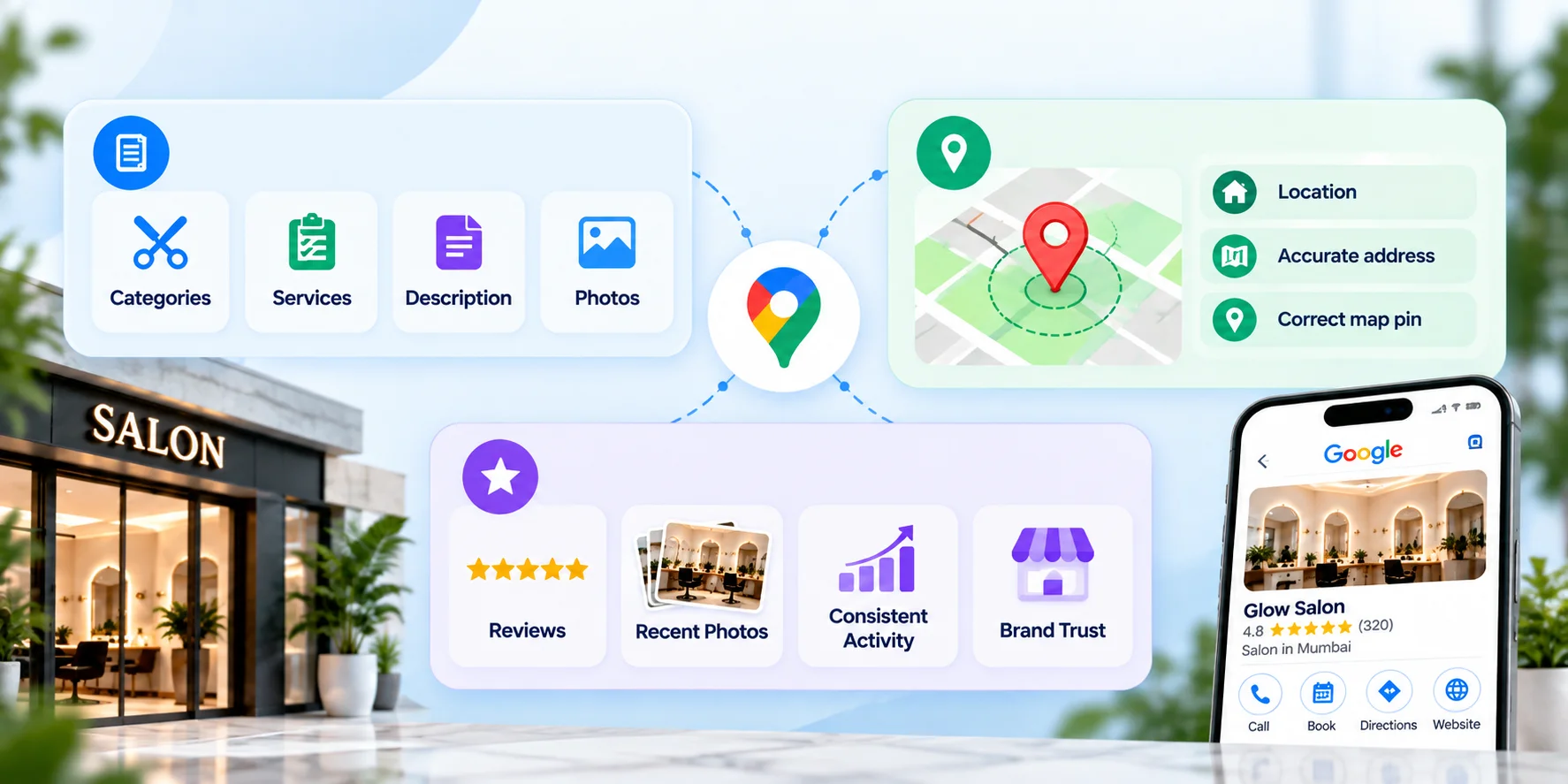
Google explains that local rankings are mainly influenced by relevance, distance, and prominence. While you cannot control a customer’s location, you can improve how complete, accurate, and trustworthy your business profile appears.
For the full breakdown, read our Google Business Profile ranking factors guide.
| Ranking Factor | What It Means for a Salon | What You Can Do |
|---|---|---|
| Relevance | How closely the profile matches the search. | Use precise categories, complete services and clear descriptions. |
| Distance | How close the salon is to the searcher or searched area. | Keep the address and map pin accurate. |
| Prominence | How trusted and well-known the salon appears. | Build recent reviews, add real photos, post regularly and keep information consistent. |
Photos are a major trust signal
Beauty is visual. Add recent photos of your interior, exterior signage, team, products and finished work. Before-and-after photos can help, but only use them with client permission. Avoid stock images because they do not show what the client will actually experience.
Do not use old Q&A advice
Some older salon SEO guides may recommend adding your own questions and answers to the Q&A section. That advice is outdated. Google discontinued the My Business Q&A API on November 3, 2025. In 2026, focus on complete profile fields, strong service details, useful website FAQs and clear review responses instead.
Do not depend on old chat features
Google removed Business Profile chat and call history on July 31, 2024. Clients can still call you from Search and Maps, but do not build your salon workflow around the old native chat feature.
Salon Google Business Profile Checklist
Use this checklist monthly. It keeps the profile clean and prevents small issues from turning into missed bookings.
For a deeper audit process, use the Google Business Profile audit checklist.
| Area | Task | Suggested Frequency |
|---|---|---|
| Categories | Confirm primary category and honest secondary categories. | Quarterly |
| Services | List every service with a clear name, description and price range where useful. | Monthly |
| Description | Keep it specific, current and easy to read. | Seasonal |
| Photos | Add new interior, exterior, team and finished-work photos. | Monthly minimum |
| Posts | Publish a helpful post with a real photo and CTA. | Weekly |
| Reviews | Ask happy clients and respond to every review. | Daily or weekly |
| Hours | Update regular, holiday and special hours. | Whenever they change |
| Booking link | Confirm the Book button or appointment link works. | Monthly |
| Performance | Review calls, website clicks, bookings, searches and directions. | Monthly |
30-Day Action Plan for a Strong Salon Profile
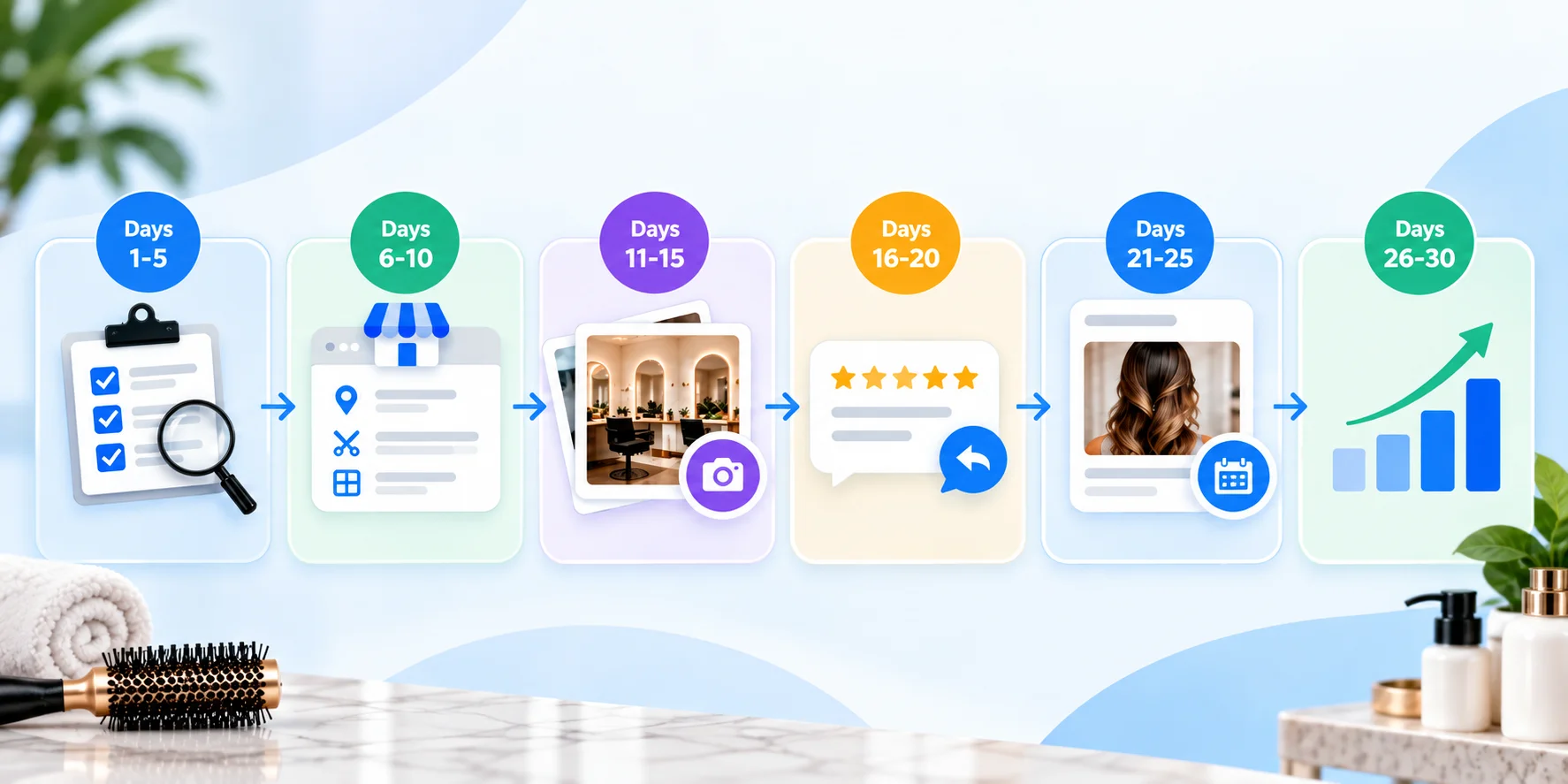
Use this plan if the profile has been ignored for a while or if you are setting a monthly routine for the salon team.
| Days | Focus | Key Actions |
|---|---|---|
| 1 to 5 | Foundation audit | Check name, address, phone, hours, category, booking link and website link. |
| 6 to 10 | Categories and services | Add accurate secondary categories and complete service details. |
| 11 to 15 | Visuals | Upload real photos of the salon, signage, team and finished work. |
| 16 to 20 | Reviews | Create a review link, ask happy clients, and respond to old unanswered reviews. |
| 21 to 25 | Posts | Publish a service post, an offer post and a team spotlight. |
| 26 to 30 | Measure and improve | Review performance data and decide what to fix next month |
Common Mistakes Salons Make
- Choosing only Beauty Salon when a more accurate category like Hair Salon, Nail Salon or Barber Shop applies.
- Leaving the services section empty or vague.
- Using stock photos instead of real images of the salon and work.
- Posting once, then going silent for months.
- Ignoring negative reviews or replying defensively.
- Forgetting holiday hours before a busy season.
- Depending on retired Q&A or chat workflows.
- Using different name, address or phone details across the website, social profiles and directories.
How GMB Pro Helps Salons
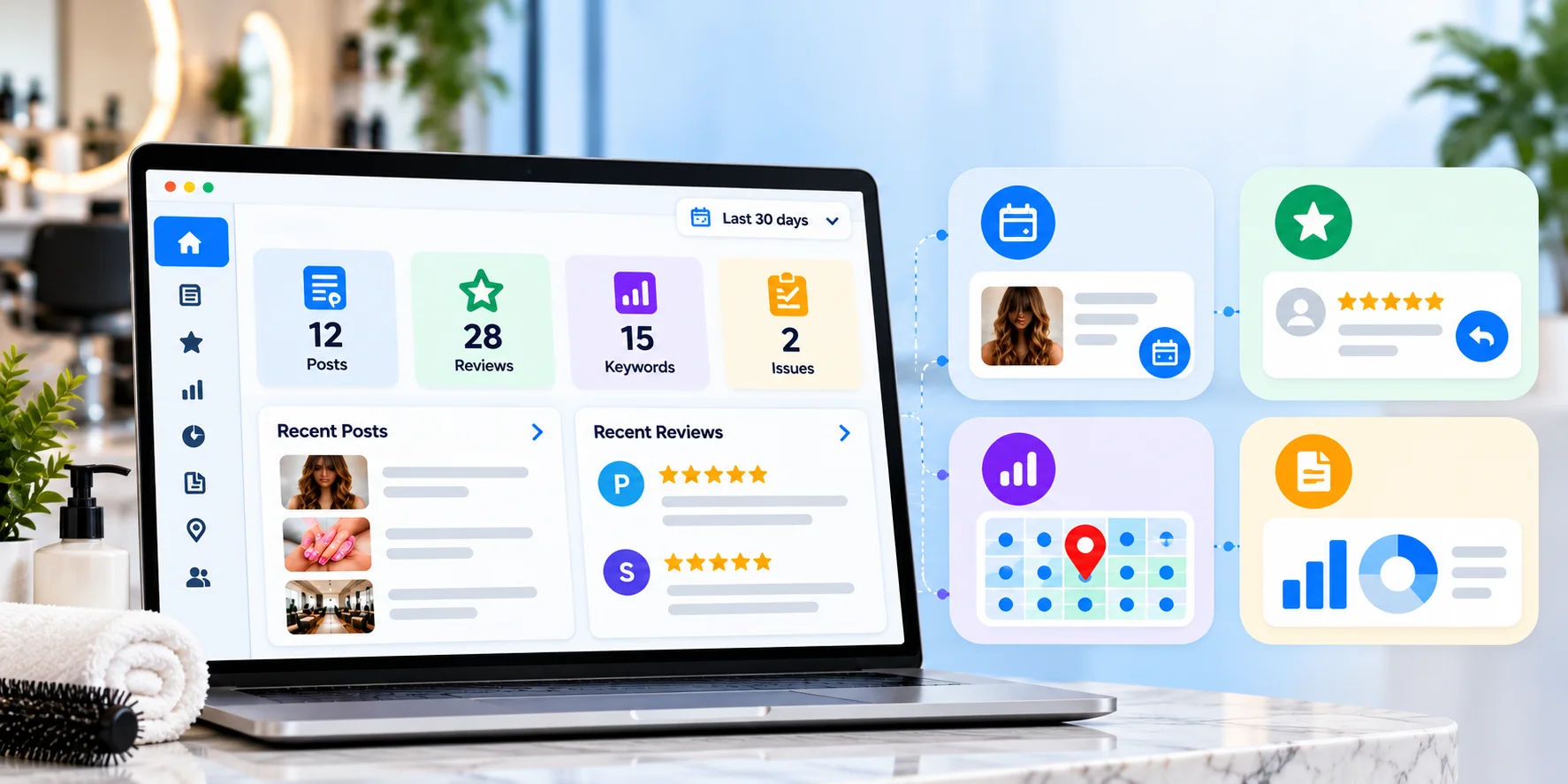
A single salon can manage this manually with discipline. It gets harder when the owner is busy, staff changes, or there are multiple locations. With GMB Pro's google business profile management solution for salons, salon owners can manage regular posts, customer reviews, and profile updates from one dashboard without handling every task manually.
To understand what to look for in software, read our Google Business Profile management software guide.
- AI post scheduling helps plan service posts, offers and seasonal updates.
- Review management helps draft replies and identify negative reviews faster.
- Rank tracking shows how the profile performs for salon keywords.
- Audits help spot missing fields, stale hours or weak services.
- Reports make it easier to review performance every month.
Compare platform fit before choosing a tool by reading our GMB Pro vs Localo vs BrightLocal comparison.
For day-to-day content consistency, see GMB Pro post automation.
Final Thoughts
None of this needs to be complicated. A salon profile wins when it looks current, complete and trusted. That means real photos, clear services, accurate hours, a working booking link, steady posts and review replies that sound human.
The salons that appear in the map pack are not always the largest. They are often the ones that consistently provide Google and customers with clear, reliable signals.
Start a free 14-day trial with GMB Pro to keep your salon profile active without managing every task by hand.